

myq_roger_black&red

Public Cloud Digital Workplace Assistant

Smarter way to work with MyQ Roger

  • 100% serverless public-cloud platform
  • Direct print and scan to your cloud storage
  • Dedicated app for a new level of mobility
  • Seamless, intelligent and personalized workflows
  • End-to-end encryption and secure user authentication
Explore MyQ Roger Editions
Public Cloud Digital Workplace Assistant

Testimonials

The intuitive embedded terminals feature one-click ‘Easy Actions’, from scan to cloud to secure print release, minimising clicks, reducing user friction and maximising workplace efficiency. Our users now spend less time at the device completing tasks.

Stuart Ogden, Technical Business Manager

Despite the significantly reduced fleet of printers and a lower workload for the IT department, employee satisfaction with the new MyQ X printing environment increased. The savings are visible at every step.

Jure Vehovec, IT Director

Our device fleet has been reduced by approximately 50%, and yet our users are much happier than they were before because all the functionality they need is available to them.

Ernest Vinkovic, Head of End User Support

We have chosen the MyQ printing solution for a wide range of offered functionalities and above-standard technical support of MyQ. The implementation of MyQ has helped us to increase the printing jobs security and significantly contributed to reducing of printing costs, energy consumption and waste amounts.

Bystrik Siroky, Head of the IT Department

We now have more control over our printing costs, streamlined workflows, and improved sustainability practices. The modernized printing infrastructure has exceeded our expectations and we highly recommend it to other organizations.

Saarbrücken Regional Association

The implementation of printers and multifunction devices with MyQ software has brought to the offices of the ministry and other organizations primarily security when working with documents and data. With intuitive controls, users are calm, executives have a smart monitoring system, significantly reducing operating costs.

Czech Republic Ministry of Interior

Since we’ve had MyQ, I never hear a word of complaint about printers, which is absolutely ideal.

Petr Mikan, Director of ICT Department

The new solution has secured the information flow in the company and, consequently, there is no longer any fear of data exposure. It has also helped SNOC in its commitment towards the environment with a considerable reduction in paper consumption, resulting in extensive savings.

Hala Banihashim, CIO

The solution is intuitive and easy to use for everyone and on any machine. I appreciate the contactless login and the pull print function, which also brought about the streamlining of print queues and the ability to print a document on any printer in the company, which reduces the time spent printing.

Head of IT Department

The MyQ printing solution is pleasantly simple, intuitive and easy to use for anyone. The system allows us to take advantage of print security and scanning profiles, namely the scan-to-e-mail and scan-to-folder options.

Mr. Dobřický, IT Manager

Thanks to the installation of multi-functional facilities and the MyQ tool, users have modern resources at their disposal for printing, copying and scanning and our company has the printing of each and every page under control. We have managed to improve the quality of services and the security of printing and have made savings in the process.

Jiří Kacerovský, ICT Servicedesk Manager

MyQ’s product suite has consistently exceeded our expectations. MyQ Roger, in particular, has revolutionised how our clients manage their workflows in hybrid and remote environments. Its intuitive mobile-first design, seamless integration with cloud storage platforms, and touchless operation have made it an essential tool for today’s flexible workplaces.

Alan McGhee, Professional Services Manager

Implementing MyQ Roger has been a game-changer for the customers' print management strategy. From day one, the onboarding process was seamless and intuitive. The user interface is clean, modern, and incredibly intuitive. The customer's team quickly adapted without the need for extensive training.

What truly sets MyQ Roger apart is its cloud-first approach. It offers the flexibility the customer needed in his hybrid work environment. Whether in the office or remote, their users can print securely and efficiently. The mobile printing feature is especially appreciated by their on-the-go people. 

Siegfried Meyers, Technical Presales Consultant

After MyQ installation our users never complain for printing issue such as difficult menu, printing delays, lost documents, different vendor drivers etc. 
 

MyQ features (pull printing, data protection, authentication, personalized interface, mobile printing, workflows) simplify users tasks, resulting in increase productivity.

Ioannis Kyrakis, Head of IT Helpdesk

MyQ has completely transformed the way we manage printing across our organization. With its intuitive and customizable interface, our employees find it extremely easy to use and access devices. The software has helped us significantly reduce print volumes, eliminate waste, and strengthen document security - all of which were key priorities for us.

Muhammad Omar, Network Engineer

Benefits for the Entire Company

This helps us cut costs and save time - while simplifying everything.

For Managers

For Managers

  • document_search-ok

    Control costs

    Gain visibility into print usage and manage expenses with transparent, centralized reporting.

  • statistics

    Boost efficiency

    Simplify team operations and reduce administrative overhead with customized one-touch workflows.

  • document_secure-2

    Enhance security

    Ensure confidential documents are accessed only by authorized personnel.

  • love_nature-2

    Drive sustainability

    Reduce your company’s environmental footprint by minimizing paper and toner waste.

  • documents_reports

    Make data-driven decisions

    Leverage detailed insights into device activity to optimize processes and resource allocation.

I can print and scan from anywhere - fast, secure, and super easy.

For Users

For Users

  • planet-grey

    Print with freedom

    Enjoy the flexibility to print from any device: PC, tablet, or smartphone to any printer in your network.

  • scan_to

    Digitize with a tap

    Effortlessly scan and send documents to your email, cloud storage, or other destinations with one-click functions.

  • system-gray

    Personalize your experience

    Create and save your own workflows for common tasks, making your daily work faster and easier.

  • document_secure-3

    Secure your documents

    Release print jobs confidentially at the printer using a PIN, ID card, or a simple QR code scan from your phone.

  • time_fast

    Stay productive

    If a printer is unavailable, simply walk up to the next one and release your job without interruption or delay.

I can manage everything from one place!

For IT Specialists

For IT Specialists

  • system_workflow

    Simplify management

    Automate and centralize the administration of your entire printer fleet from a single cloud dashboard.

  • planet-grey

    Streamline deployment

    Deploy the solution remotely and across all devices using tools like Microsoft Intune.

  • internet

    Improve network stability

    Reduce the strain on your network with a serverless, fast, and reliable cloud-native solution.

  • operator_gray

    Reduce support tickets

    The intuitive, user-friendly interface empowers users, freeing up your IT team for more strategic initiatives.

  • secure-lock

    Strengthen security

    Implement robust, end-to-end data transfer encryption and secure user authentication across the entire platform.

DWA

DWA

Designed for the modern workplace, Digital Workplace Assistant is the right choice for cloud-first printing and scanning. Enjoy personalized, contactless workflows, seamless digitalization, and robust security - all without servers.

  • Quick deployment
  • System management
  • Device management
  • Print management
  • Mobile print
  • Security functions
  • Accounting and reporting
  • Embedded terminal interface
  • Integrations and connectors
  • Scan and copy workflows 
CPM

CPM

Cloud Print Management builds on the Digital Workplace Assistant capabilities, making it ideal for large organizations requiring comprehensive control. It adds central management, advanced reporting, and enhanced insights—empowering organizations to govern printing and digital workflows at scale.

  • Insights reporting and automation
  • Advanced device management
  • Central workflow management
  • Cost centers and quotas
  • Advanced integrations
ADD-ONS

ADD-ONS

Single Function Printers

Additional support for non-terminal devices that can be used for direct print from local print monitoring devices as well as NFC job release.


MyQ Roger Client

Additional MyQ Roger Clients can be added beyond the included quota. Each licensed printer includes 40 MyQ Roger Desktop Clients for secure printing from Windows and macOS devices.

Powerful MyQ Roger features

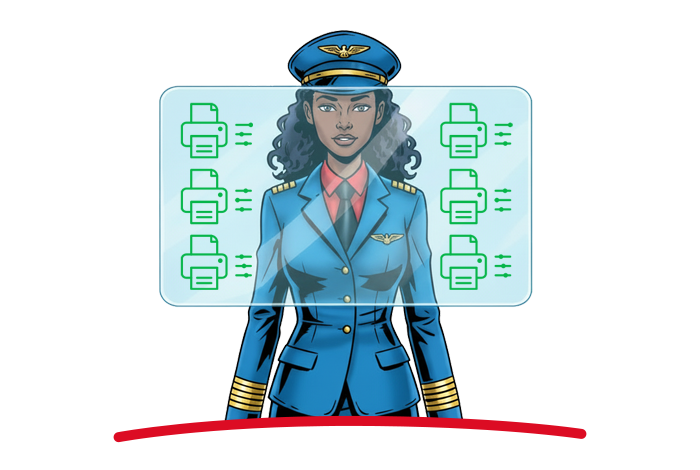
No local network required

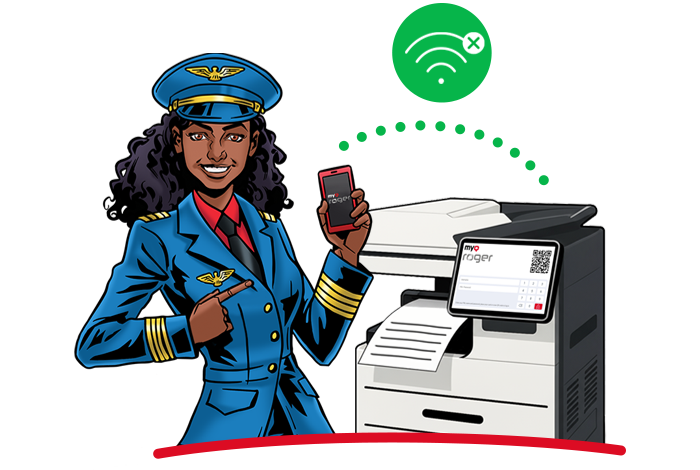
At home, in the office, or on the go  access your documents no matter where you are. Wave goodbye to VPN or local Wi-Fi connection as a necessity to communicate with the MFPs – just connect the MyQ Roger app to the Internet and that’s it! Pick the desired file, log in to MyQ Roger on the MFP, and watch your digital report materialize in the paper tray.

No local network required

Touchless control

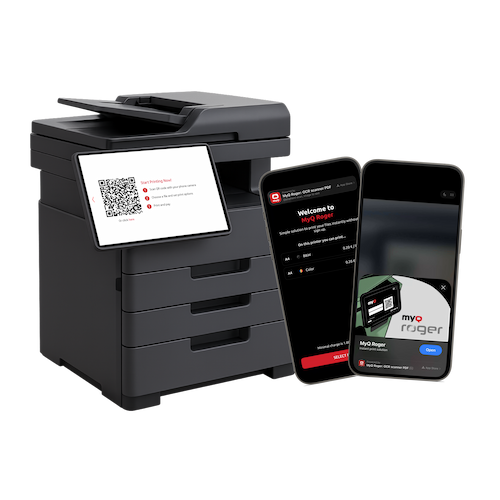
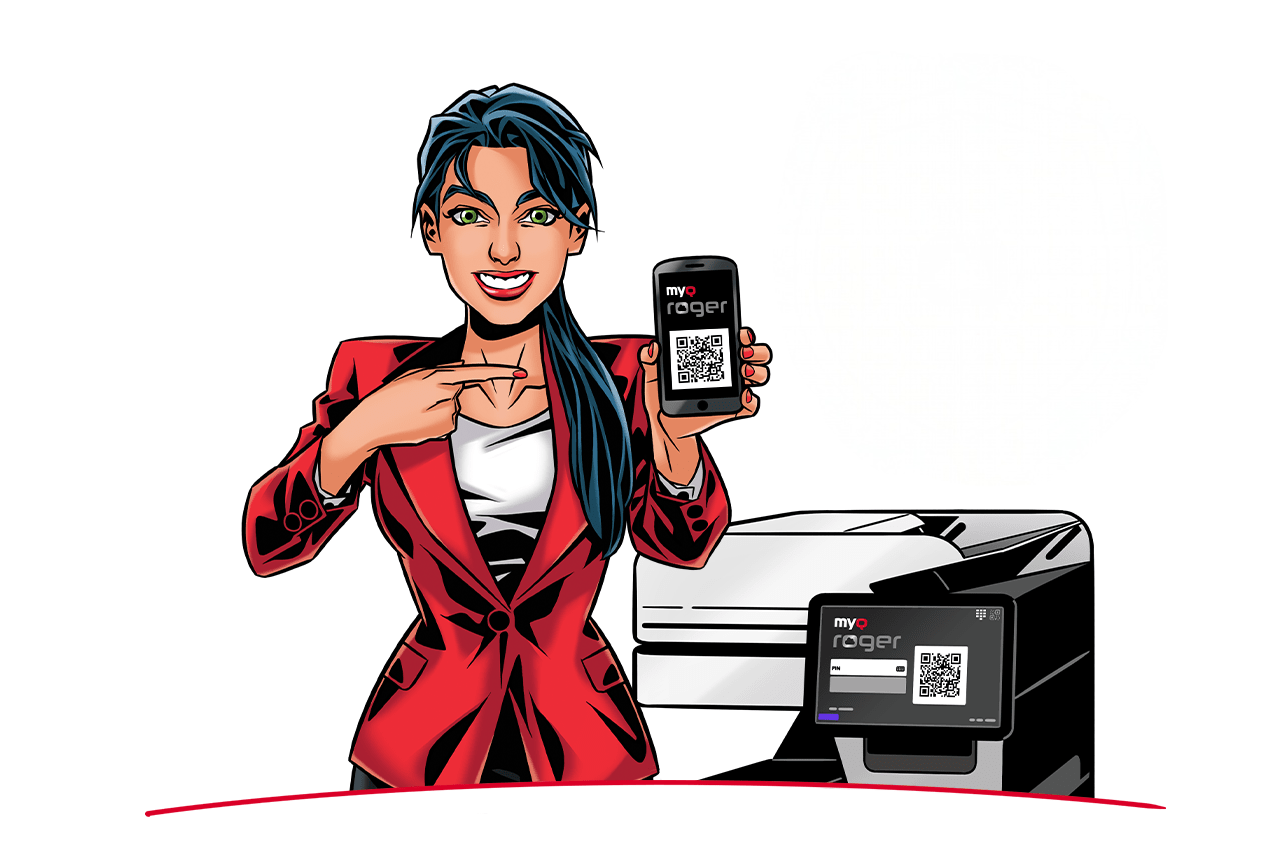
Don’t touch what you don’t absolutely need to and stay safe. Transform your phone into an MFP remote control and avoid any physical contact with the machines. Open the MyQ Roger app, scan the QR code on the MFP’s panel with the phone camera  and voilà, you’re in. The only display you’ll interact with while processing your files is your own phone.

Touchless control
Touchless control

Voice assistant

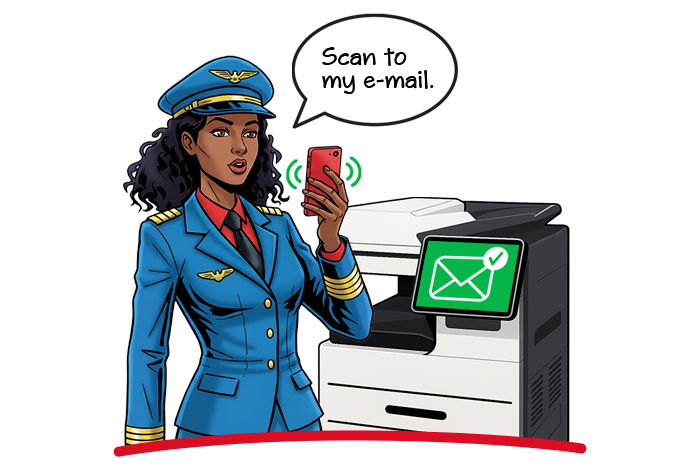
Get your voice ready for next-level document processing – you say it, MyQ Roger makes it happen! Connect MyQ Roger with your smartphone’s voice assistant and tell what you need to do. It will pick up your voice command and carry it out by pairing it with a workflow. The Voice Assistant feature can also aid users with visual impairments to handle their docs trouble-free. 
Voice assistant
Voice assistant

Maximum security

Your data is meant for you only and MyQ Roger keeps it that way. There are several security checkpoints on the way to your files. You log in to the app using biometrics, so the mobile makes sure it’s really you. When you want to access the MFP panel, there is a dynamic QR code which alters for each session. And, of course, there is also the encryption of login information you run through MyQ Roger, and your documents don’t even pass. 

Your document processing is double locked and only you’re holding the mobile key.

Maximum security
Maximum security

Unified print experience

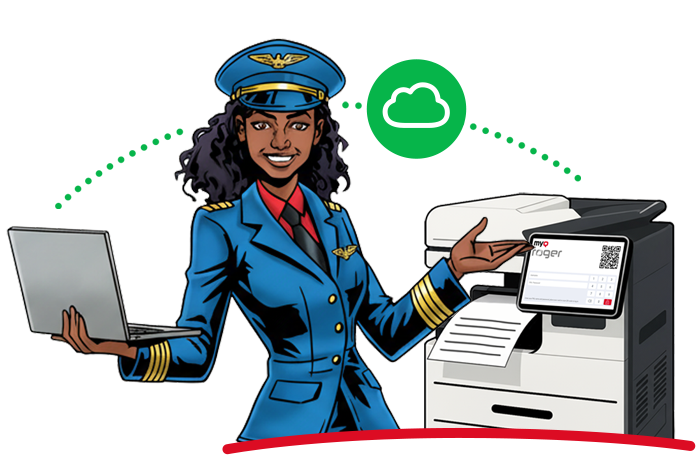
Integrate with Microsoft’s Universal Print for a seamless cloud printing experience.
Unified print experience

AI Character recognition

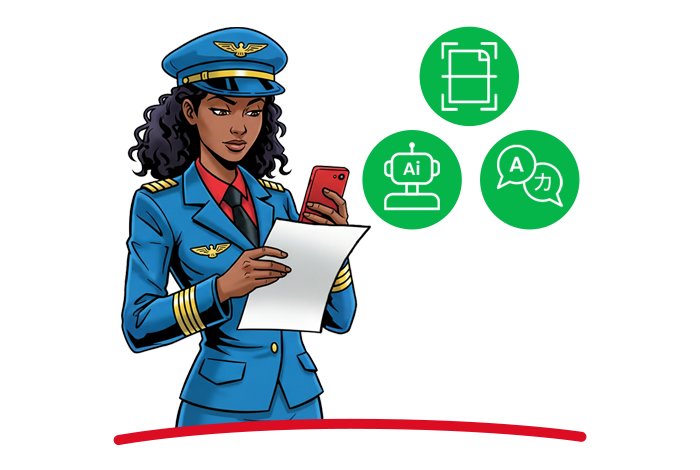
Scan documents with your mobile camera, create searchable PDFs with character recognition, and even summarize or translate them with the integrated OpenAI ChatGPT.

AI Character recognition

Cloud folder browsing

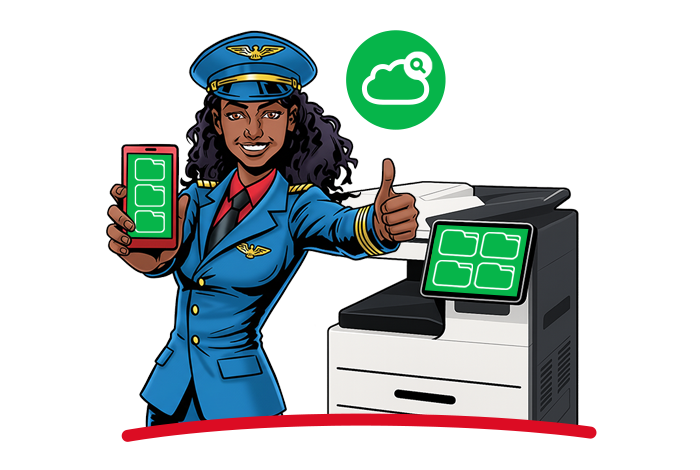
Browse and print documents directly from your cloud storage including OneDrive, Google Drive, Microsoft Teams, and SharePoint—either at the printer’s panel or on your mobile device.

Cloud folder browsing

Comprehensive device insights

Monitor your entire printer fleet from a centralized dashboard with real-time status updates, toner levels, and meter readings.

Comprehensive device insights

AI workflows

Automate and accelerate your document handling. Let the integrated AI intelligently suggest file names, generate summaries, translate text, or automatically categorize your scans into the correct folders—saving significant time and effort.

AI workflows
AI workflows

MyQ Roger
mobile app

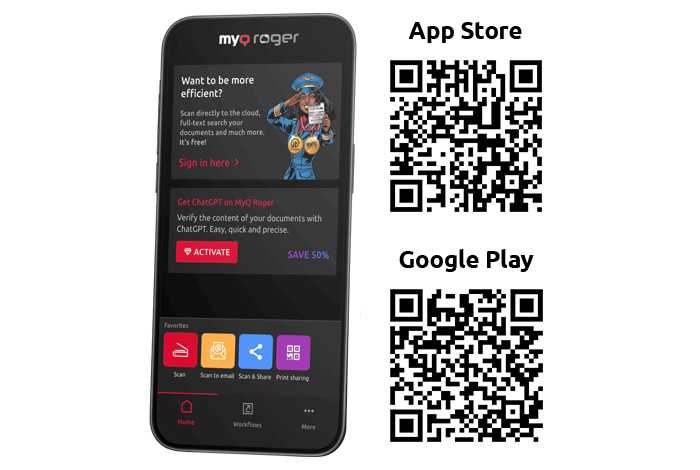
Turn your phone into a pocket digital office with the MyQ Roger app and handle your documents on the fly, with the flexibility you deserve.
 
Download the MyQ Roger mobile app
and get the full user experience as a standalone app!

  • Scan to PDF
  • In-built ChatGPT prompts for AI document translation and summary
  • OCR multilingual character recognition
  • Native connection to Google Drive, OneDrive, and Dropbox
  • Corporate and Private accounts in separate environments
  • Automation with customized workflows
MyQ Roger 
mobile app

MyQ Roger Documentation

Visit MyQ Roger Help Center and discover everything you need to know about MyQ Roger, including user guides and installation guides.

MyQ Roger Key Features

System management

System management

  • Serverless, Multi-Tenant Public Cloud Architecture
  • Centralized Web UI Management
  • Zero Trust, No VPNs
  • Automated Backup & Restore
  • Audit Log
Device management

Device management

  • Printer Management
  • Remote Printer Configuration
  • Printer Groups
  • Alert Monitoring & Notifications
  • Monitoring Printer Consumables
  • Support of SNMP v1 v2c and v3
  • Desktop Client Management
  • Remote Desktop Client Upgrades
  • Remote Desktop Client Uninstall
Accounting and reporting

Accounting and reporting

  • User & Group Data Reporting
  • Scheduled Reports
  • Advanced Reports / Report Templates
  • Device Based Accounting
  • Cost Centres
  • Quotas
  • Price Lists
Embedded terminal app

Embedded terminal app

  • Workflow Templates
  • Mobile-First Personalized Workflows
  • Browse, Print, and Scan from Cloud Storages (OneDrive, SharePoint, Microsoft Teams, and Google Drive)
  • Favorite & Recent Workflows
  • Configurable login methods (Dynamic QR Code, ID Card, Username & Password, and PIN)
  • ID Card Self-Registration
  • 25+ Languages
Integrations

Integrations

  • Microsoft 365 & Entra ID Integrations
  • Personal Cloud Storages (OneDrive, Google Drive, Dropbox, and Box.com)
  • Business Cloud Storages (OneDrive, SharePoint, and Microsoft Teams)
  • Microsoft Universal Print
  • REST API
Print management

Print management

  • Device Spooling
  • Cloud Spooling (OneDrive, GoogleDrive)
  • MyQ Cloud Spooling
  • Client Spooling (Local Spooling)
  • Fall-back Printing
  • Local Print Monitoring
  • Single Function Printers
  • Mobile App Upload
  • Microsoft Universal Print
Mobile print

Mobile print

  • MyQ Roger Mobile App (iOS & Android)
  • Chromebook Support
  • Mobile App Job Management
  • Secure Dynamic Device QR Code Login
  • Device NFC & Bluetooth Login
  • Workflow Management
  • Mobile PDF Scanner with Character Recognition & AI
  • Accessibility Features: Voice & Remote Control
Security

Security

  • Secured End-To-End Data Transfer (TLS 1.3)
  • SNMP v3 Support
  • Two Factor Authentication
  • End-to-End Job Encryption
  • Granular Access Control
  • Single Sign-On (SSO) with 2FA
  • Configurable Login Methods (Dynamic QR Code, ID Card, Username & Password, and PIN)
Scan and copy workflows

Scan and copy workflows

  • Personalized Workflows
  • Scan to Email
  • Scan to Cloud Storage (OneDrive, GoogleDrive, SharePoint, iCloud, Dropbox, and Box.com)
  • Easy Copy Workflows
  • Workflow Templates
  • AI Powered Workflows
Administrator UI

Administrator UI

  • 25+ Languages
  • GDPR Compliance
  • Web Accessibility (WCAG 2.1)
  • Customizable Logo
  • Dashboard with Customizable Widgets

This website uses cookies

We use cookies to personalise content and ads, to provide social media features and to analyse our traffic. We also share information about your use of our site with our social media, advertising and analytics partners who may combine it with other information that you’ve provided to them or that they’ve collected from your use of their services.

Allow all
Reject all
Customize

Cookie customization