

Cloud-native print & scan for the modern workplace
Secure print, scan, and document workflows from anywhere.
- 100% serverless public-cloud platform
- Print from and scan directly to your cloud storage
- Dedicated app for a new level of mobility
- Seamless, intelligent and personalized workflows
- Security by design with encryption and modern authentication








Powerful MyQ Roger features
PrintSharing
In busy spaces like airports, hospitals, libraries, and co-working spaces, printing should be quick, secure, and stress-free. With PrintSharing, users can print instantly without needing to install an app, create an account, or log in.
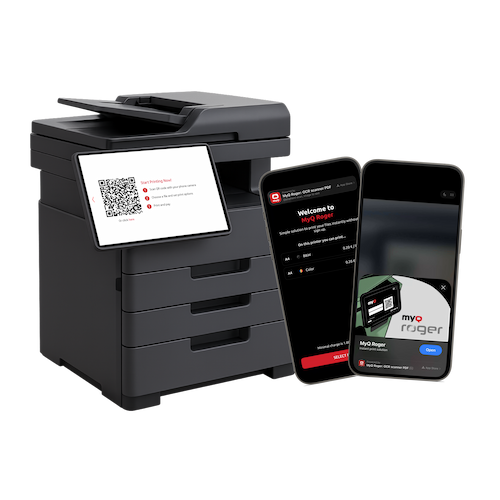
No local network required
At home, in the office, or on the go – access your documents no matter where you are. Just connect the MyQ Roger app to the internet, pick the desired file, log in to MyQ Roger on the MFP, and click print.
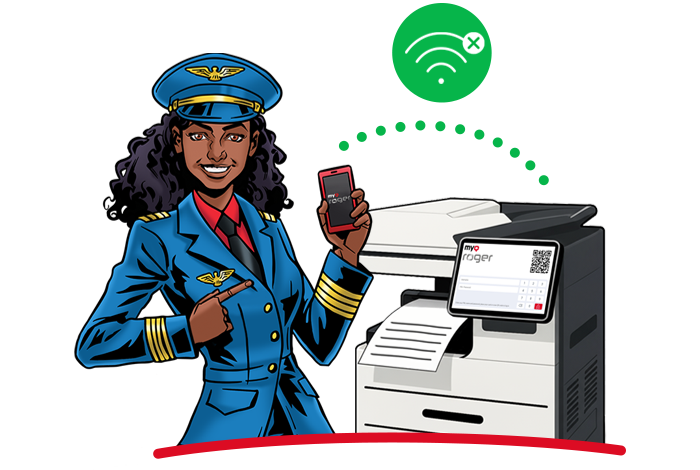
Touchless control
Turn your smartphone into a secure printer interface. Authenticate, release jobs, and manage workflows without touching the device panel.
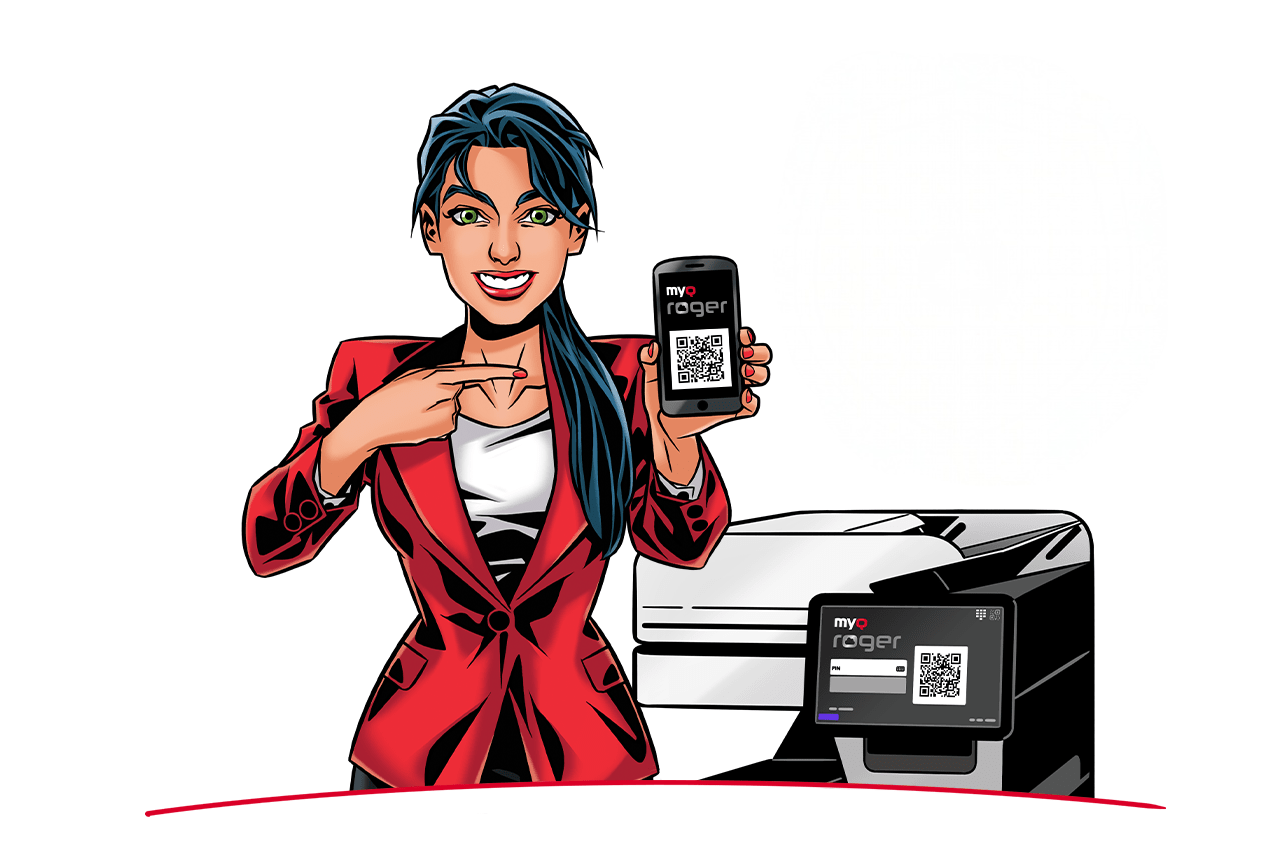
Voice assistant
Connect MyQ Roger with your smartphone’s voice assistant and tell what you need to do. It will pick up your voice command and carry it out by pairing it with a workflow. The Voice Assistant feature can also aid users with visual impairments to handle their docs trouble-free.
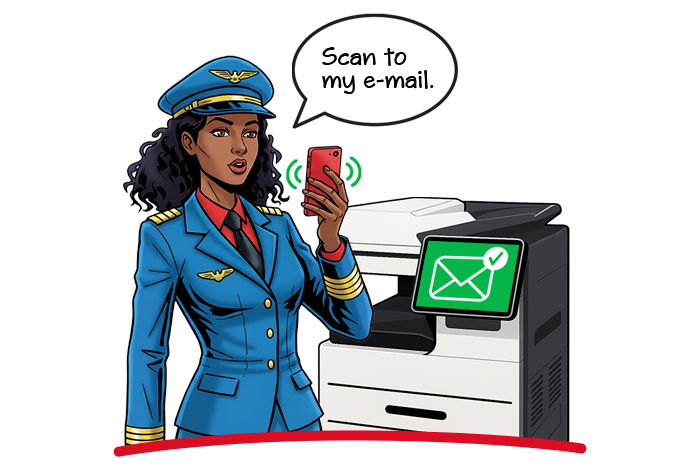
Maximum security
Security is built into every interaction. Multi-factor authentication, dynamic QR codes, encryption, and mobile identity verification ensure documents remain protected from submission to release.
Unified print experience
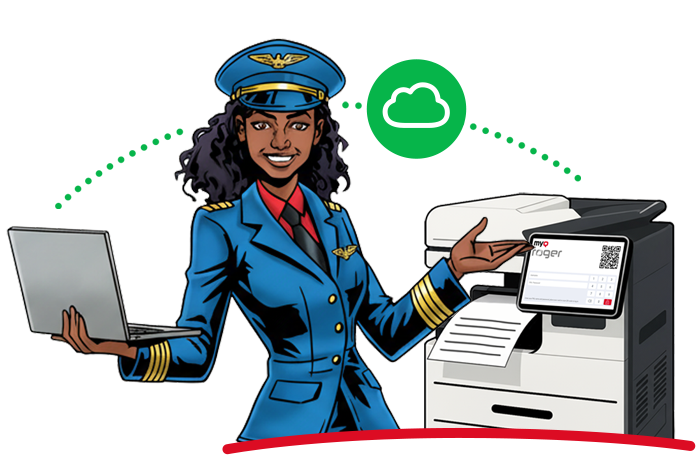
Integrate with Microsoft’s Universal Print for a seamless cloud printing experience.
AI Character recognition
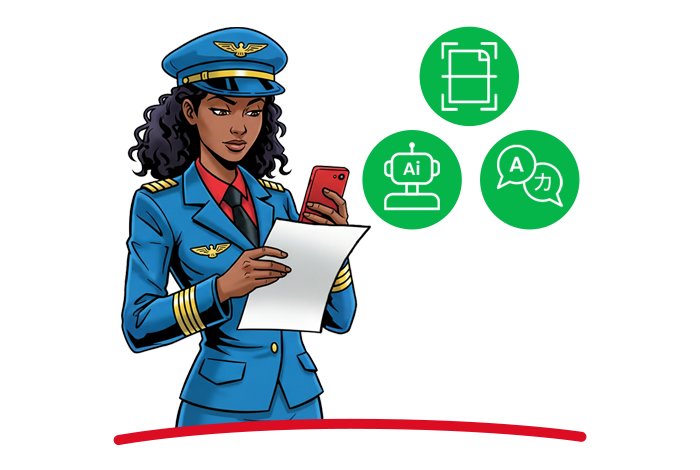
Convert documents into searchable, editable content and leverage AI-powered tools to summarize, translate, and process information faster.
Cloud folder browsing
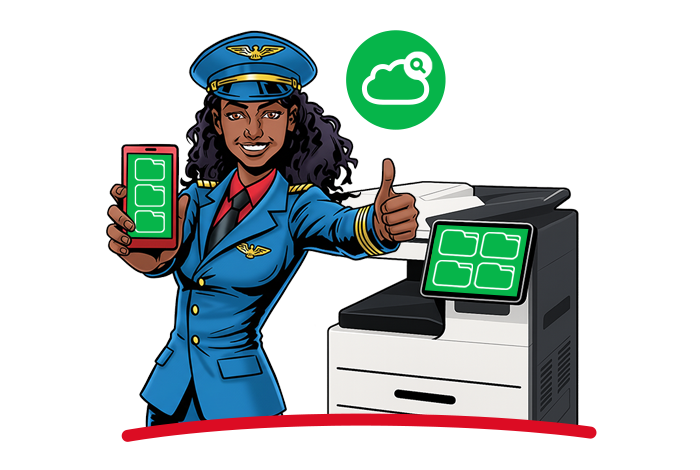
Access, print, and manage documents directly from connected cloud storage platforms without switching applications.
Comprehensive device insights
Monitor device status, toner levels, usage trends, and fleet performance through a centralized cloud dashboard.

DWA
Designed for the modern workplace, Digital Workplace Assistant is the right choice for cloud-first printing and scanning. Enjoy personalized, contactless workflows, seamless digitalization, and robust security - all without servers.
- Quick deployment
- System management
- Device management
- Print management
- Mobile print
- Security functions
- Accounting and reporting
- Embedded terminal interface
- Integrations and connectors
- Scan and copy workflows
CPM
Cloud Print Management builds on the Digital Workplace Assistant capabilities, making it ideal for large organizations requiring comprehensive control. It adds central management, advanced reporting, and enhanced insights—empowering organizations to govern printing and digital workflows at scale.
- Insights reporting and automation
- Advanced device management
- Central workflow management
- Cost centers and quotas
- Advanced integrations
ADD-ONS
Single Function Printers
Additional support for non-terminal devices that can be used for direct print from local print monitoring devices as well as NFC job release.
MyQ Roger Client
Additional MyQ Roger Clients can be added beyond the included quota. Each licensed printer includes 40 MyQ Roger Desktop Clients for secure printing from Windows and macOS devices.
MyQ Roger
mobile app
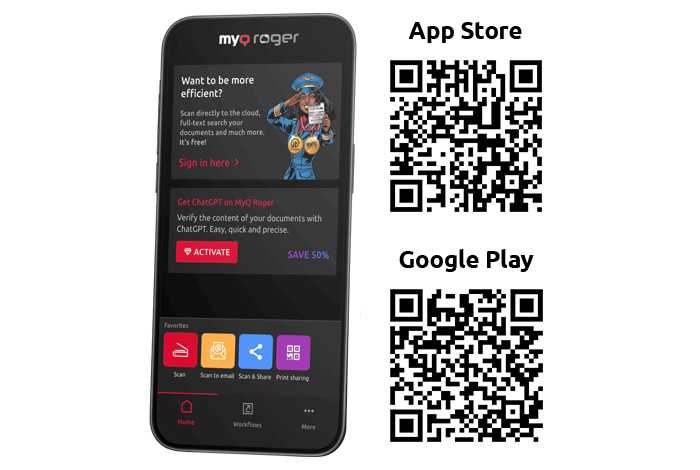
Turn your phone into a pocket digital office with the MyQ Roger app and handle your documents on the fly, with the flexibility you deserve.
Download the MyQ Roger mobile app and get the full user experience as a standalone app!
- Scan to PDF
- In-built ChatGPT prompts for AI document translation and summary
- OCR multilingual character recognition
- Native connection to Google Drive, OneDrive, and Dropbox
- Corporate and Private accounts in separate environments
- Automation with customized workflows