



Advanced Document Processing
Classify documents, extract data, secure files and route them to the right destination, all from your MFP.

Advanced document workflows
MyQ offers two types of scanning workflows, static and dynamic.
Static workflows provide one-touch scanning to predefined settings and destinations.
Dynamic workflows guide users through interactive scan processes based on entered data or information from connected business systems.
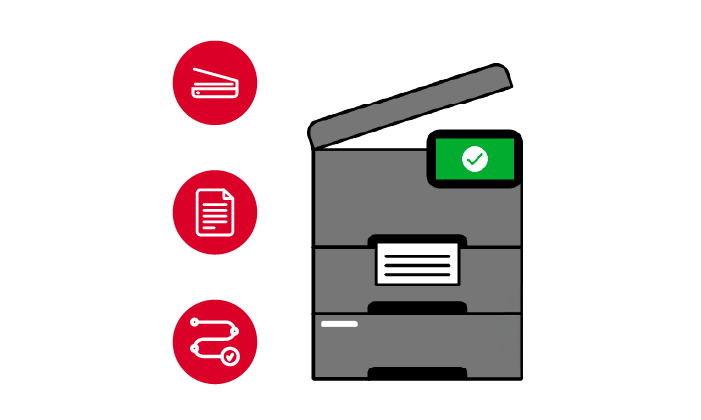
Advanced document processing
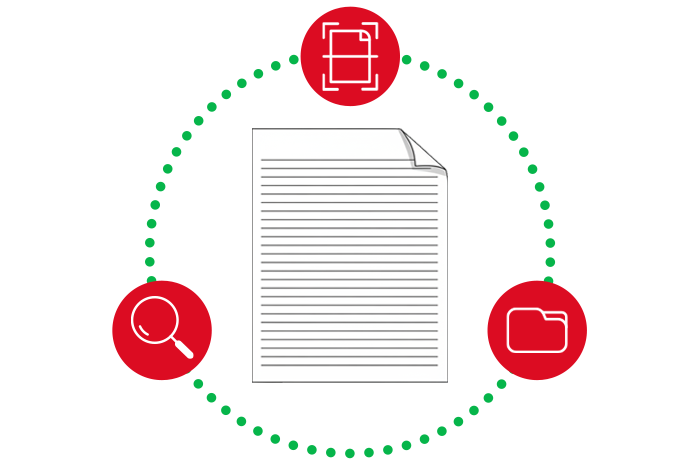
Advanced documents processing enables users to easily scan various documents such as invoices, contracts, forms, questionnaires, etc. resulting in automatic extraction of data contained and storing it to the desired destination.

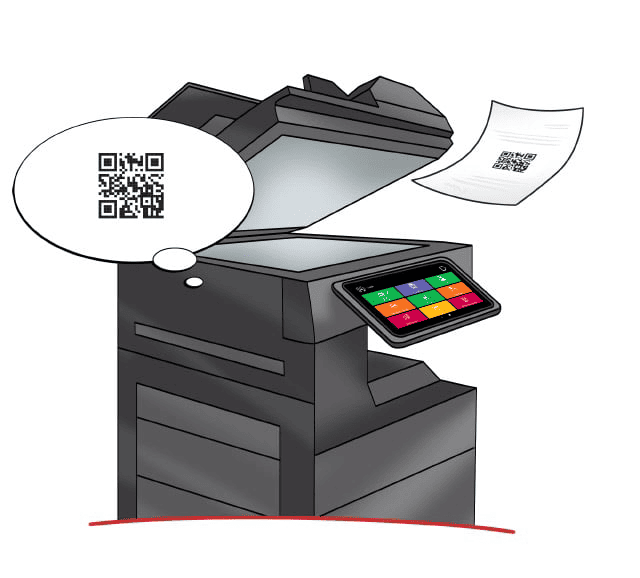
Barcode and QR code recognition
With MyQ you can use the full power of your MFP. MyQ can read barcodes and QR codes which are often used in documents as an identifier to mark the first page of a new document while scanning multiple documents in one batch. They can also serve as a marker that contains information relevant to the document itself. These codes can even be created from based on the content and written into scanned documents.
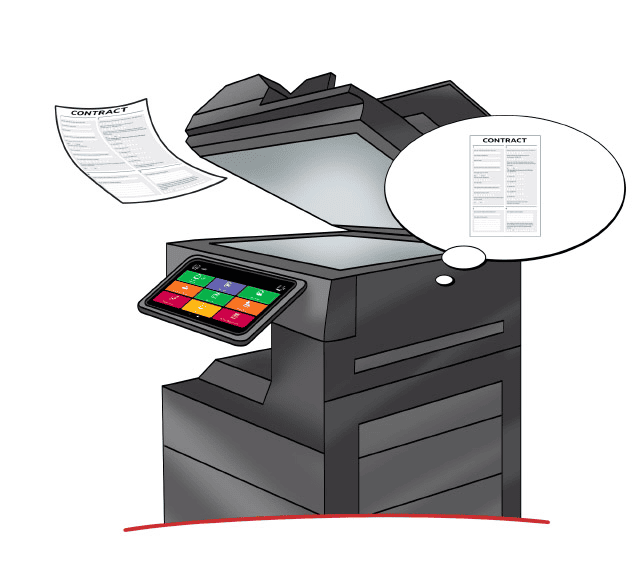
Automatic document classification
MyQ can identify the type of the document that is being scanned and launch the appropriate process, without the need of the user's interaction. Letters, invoices, contracts and other materials with a standard layout can be automatically identified and split into different files during the course of a single scanning cycle. After that, they are processed and stored to any supported destination. Advanced document workflows make working with the MFP simple, just scan and go, MyQ does the rest.
Store your documents wherever you need them
Users can use more than 25 different predefined connectors and store their files in various ECM systems or cloud destinations. Communication via supported connectors is always bi-directional, so users can look up existing records or folders, add information, and select options before final storage.
See which MyQ X Edition is best for you
Advanced document processing features are unique to MyQ X Ultimate, but click below to discover which Edition is most suitable to your needs.