


Community Portal
The Community Portal gives authorized MyQ partners one place to manage projects, get support, access training, and find the resources they need to work with MyQ.
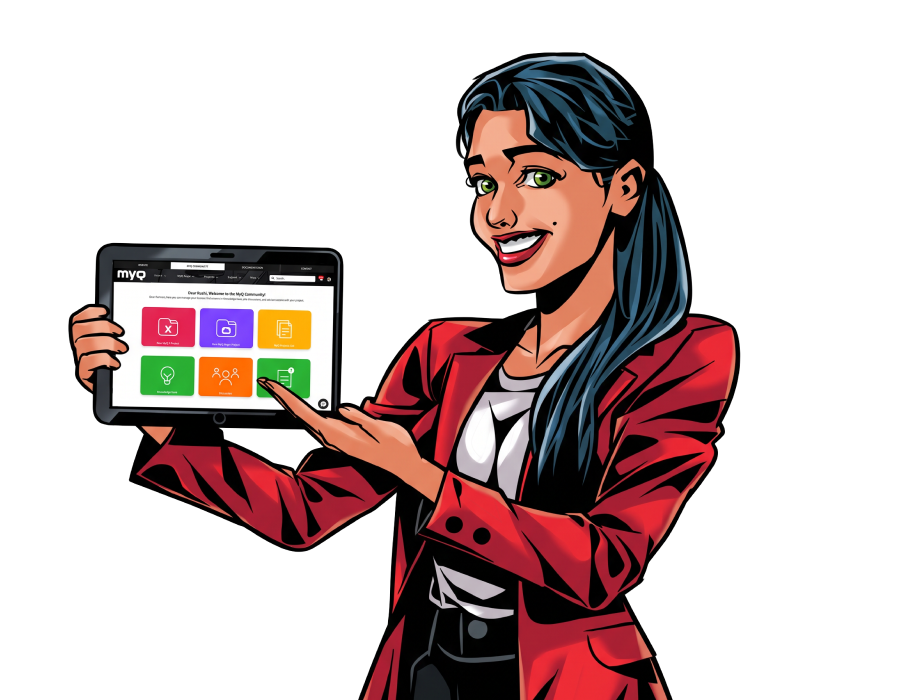


Find support when you need it
For MyQ partners only
The Community Portal gives partners several ways to find information and get technical assistance.
- Support AI Agent to search for information and help create a support case based on the information you provide.
- Knowledge Base to find answers and product information.
- Support Docs to access technical documentation.
- Helpdesk Cases to create and manage support requests.
- Feature Requests to submit requests and provide product feedback.
- Resource Hub to download all the assets you might need about MyQ, MyQ X and MyQ Roger.

Develop your MyQ knowledge
For MyQ partners only
Access training and learning resources through the Community Portal.
The Training Center brings your learning resources together, with access to:
- My Learning Profile: An intuitive dashboard that shows your certifications, progress of on-going trainings, and achievements.
- My Trainings: Place to start new trainings, access your on-going trainings and keep a track of your overall progress.
- Media Board: Library of training videos where you can search a specific training video.
Use these resources to build your knowledge of MyQ products and solutions.