

Device Management
Manage, monitor and optimize your entire print fleet from a single dashboard.

Control your fleet
MyQ removes unnecessary administration of your printer fleet with an easy-to-understand view of what's happening, from the printer fleet status to user behavior and more. The MyQ Admin Dashboard allows you to set up and configure gadgets that show exactly what you need to see.
We are obsessed with automating and simplifying complex processes, that's why MyQ Alert Management notifies you automatically about any issues, such as device error or low levels of toner and paper, so your organization can run 24/7.

Built for continuous operation
The most important thing that any MPS needs to provide is access to services. It simply must work all the time. At MyQ, we take this promise very seriously and have developed features which keep that promise. Device spooling, client spooling, and failover print are just a few features that allow you to have continuous access even if something unexpected happens, like a server crash or loss of internet connection.

Cost management and reporting
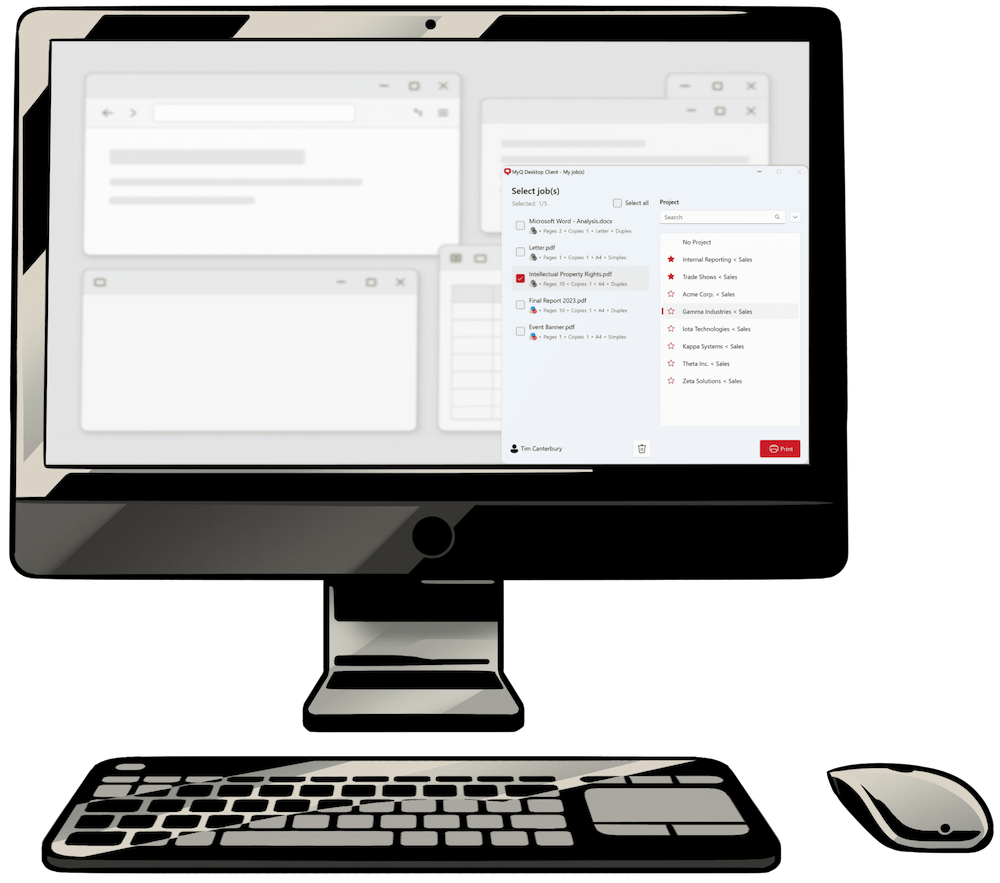
MyQ Audit Log enables admins to keep track of the number of documents printed, scanned and copied by users or devices – also recognizing individual projects in the company.
Generating accurate, highly detailed and automated reports, expenses per cost center help the management make informed decisions regarding printing policies.
No embedded terminal? No problem
Not every printer needs its own embedded terminal to offer controlled print release. MyQ Release Station extends the MyQ experience to devices that would otherwise be left out.
With a browser-based interface on a dedicated computer or touchscreen, users can authenticate, choose where they want to print, and release jobs they’ve already submitted to MyQ. No embedded terminal required.