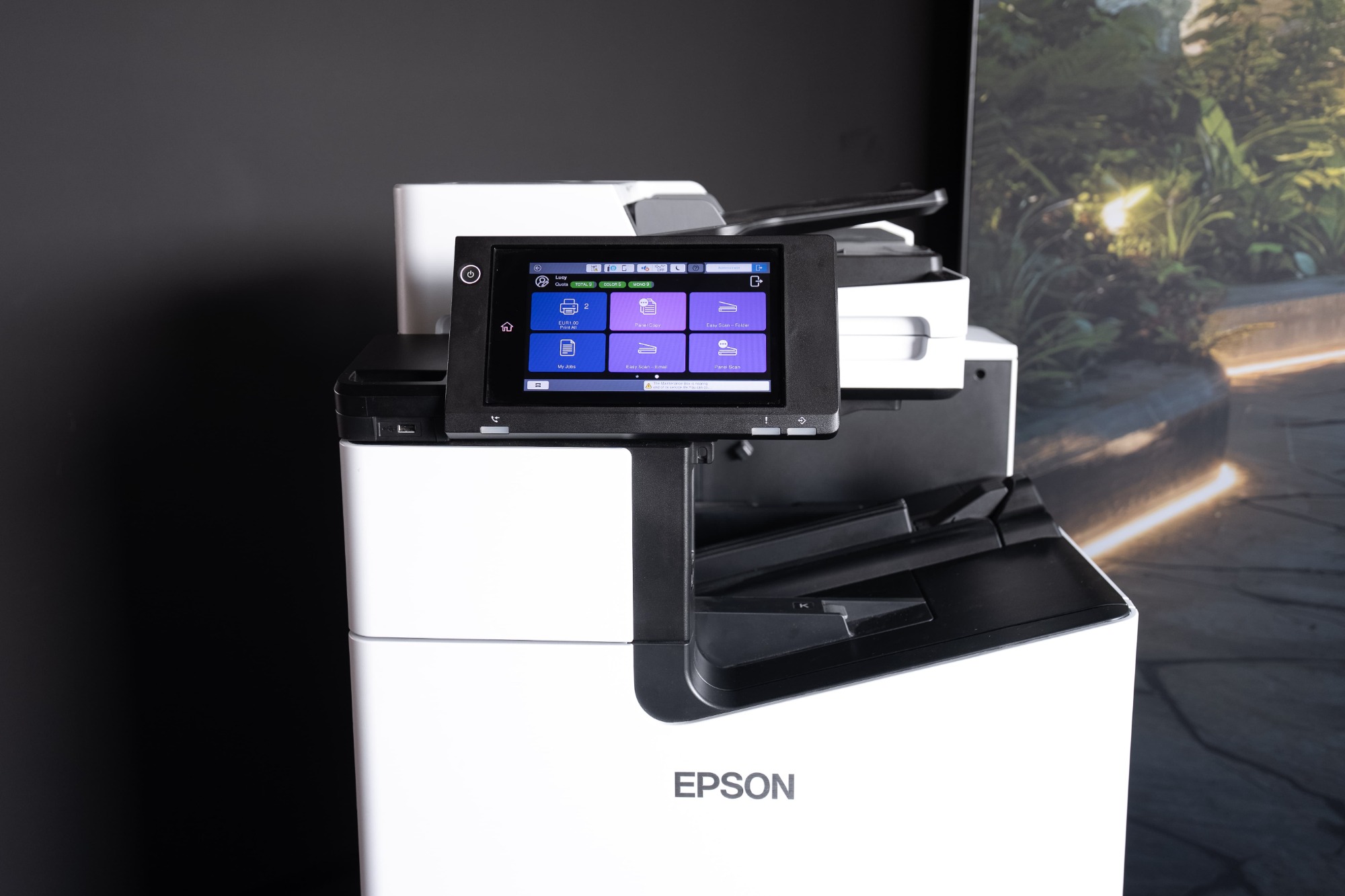



EPSON Multifunction Printers & MyQ X

A perfect fit for eco-friendly digital workplaces

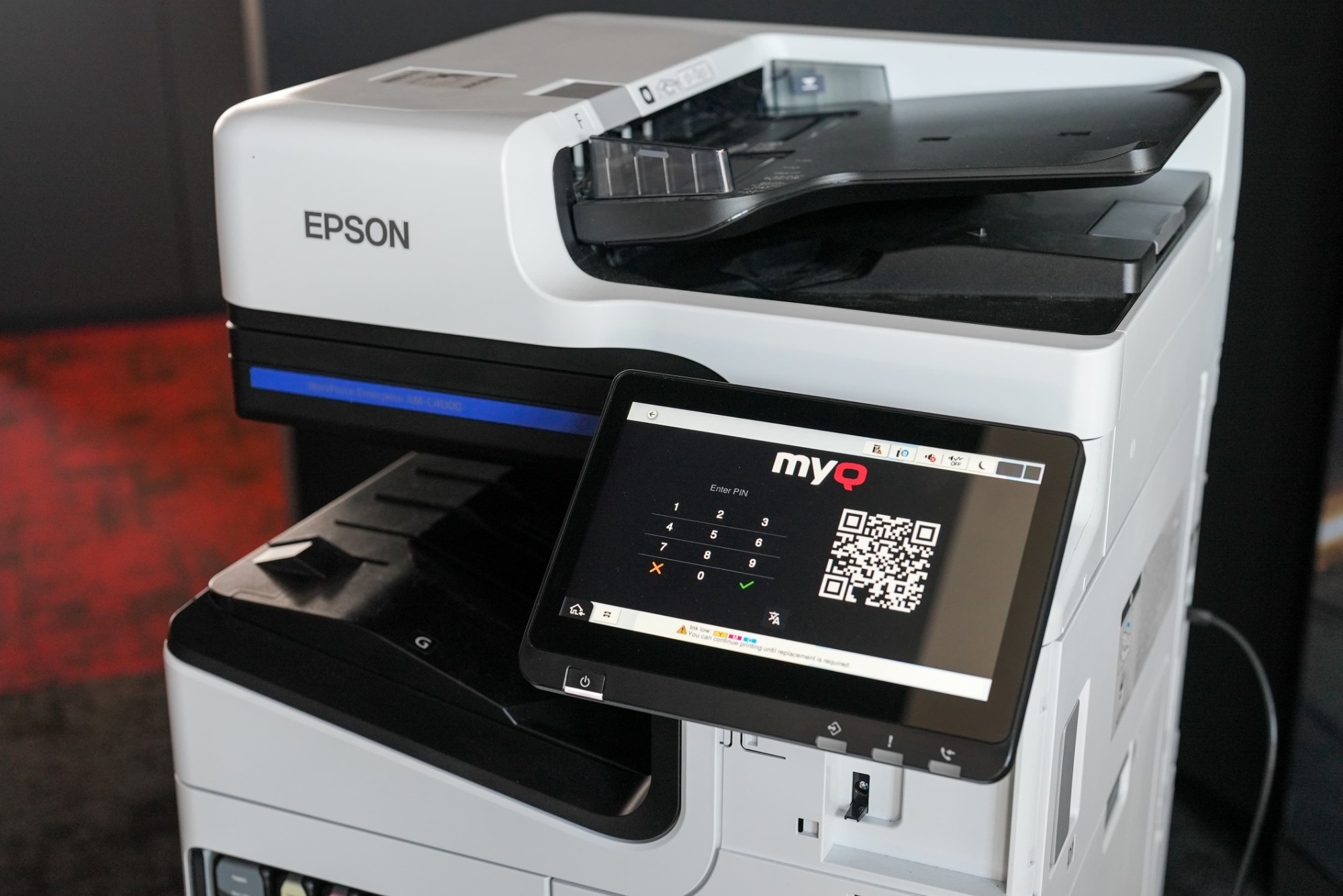
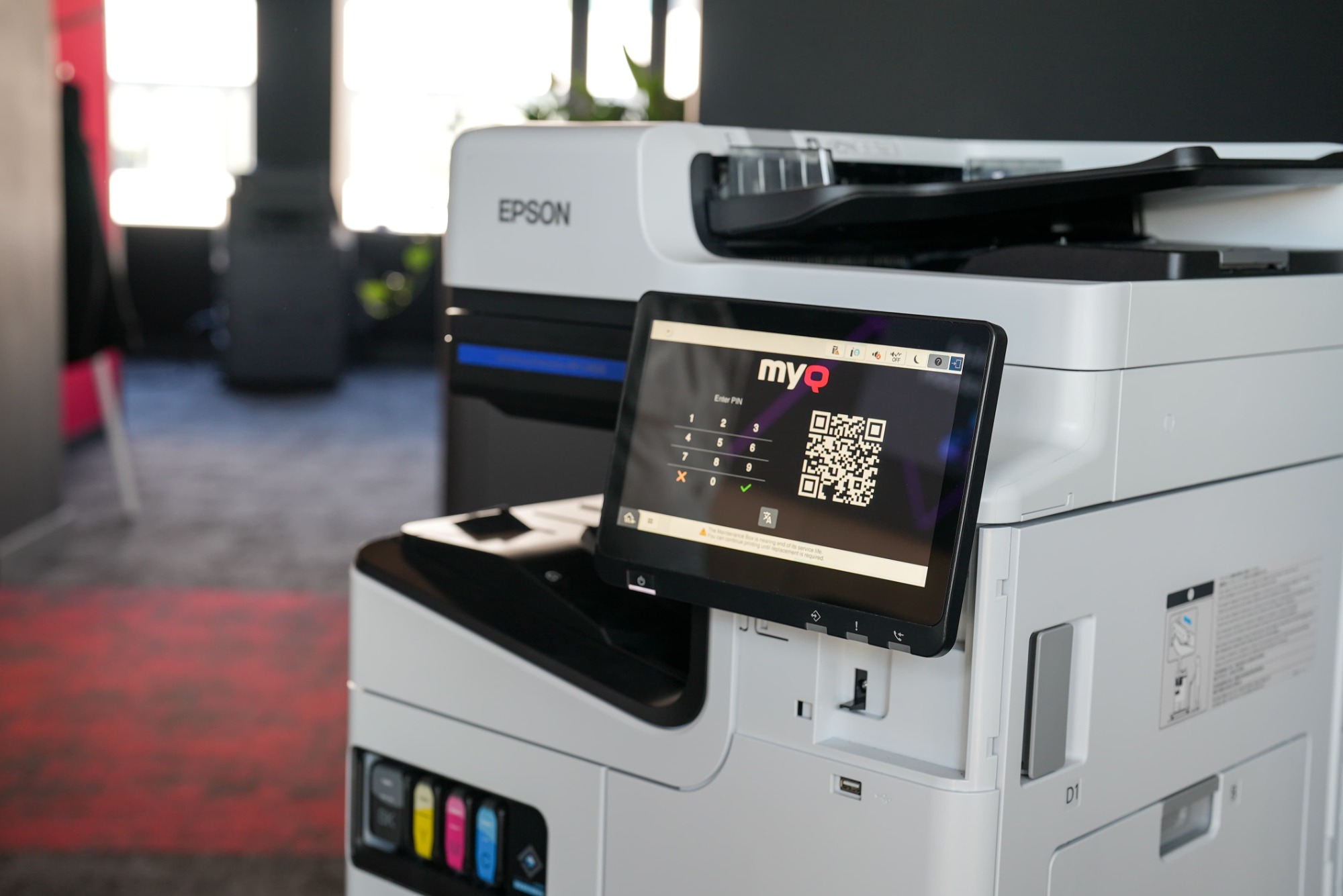
MyQ X is ready to run on any Epson multifunction printer with the Epson Open Platform (EOP). It enhances Epson printers with convenient mobile printing, advanced security, and streamlined workflows via the intuitive MyQ X Embedded User Interface, while also supporting Epson’s environmental vision towards sustainable printing.
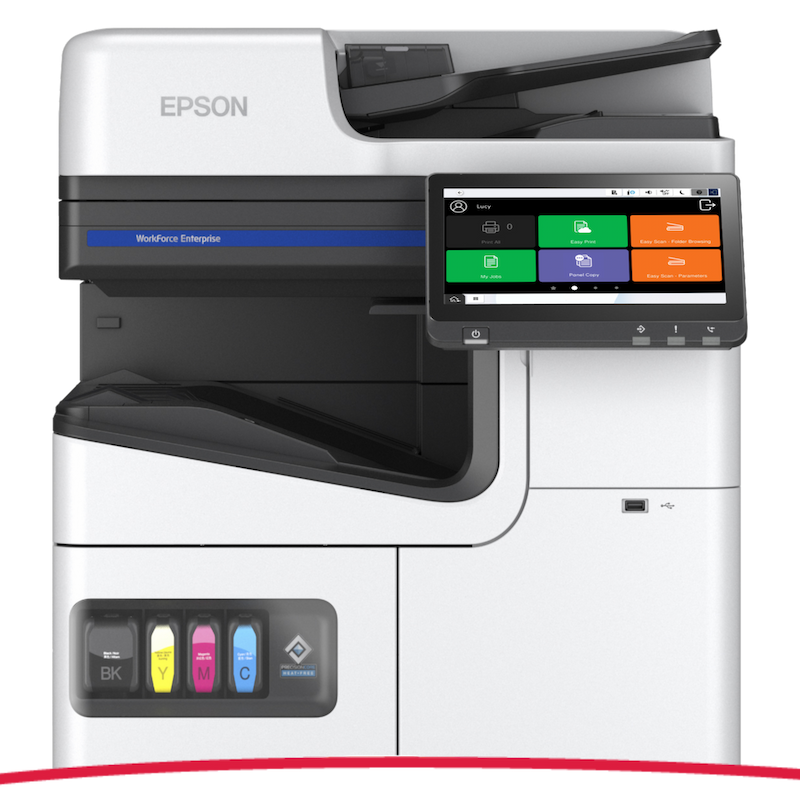
EPSON Multifunction Printers & MyQ X

Features digest

  • Improve your eco-friendly printing

    Improve your eco-friendly printing

    Environmental awareness

    Epson is committed to developing sustainable products that keep the environment in mind from conception to completion. Their heat-free, ozone-free, and minimum waste-producing devices represent a significant step towards long-term sustainability. This is where the Epson path meets with MyQ. Thanks to specific user policies, awareness functions, and environmental reports, our print solution helps you minimize the negative environmental impact of document processing.

  • Print flexibility from your device

    Print flexibility from your device

    Mobile print

    Expand your BYOD (Bring Your Own Device) with a handy printing app. The versatile MyQ X Mobile Client (available for Android and iOS) lets you print from your smartphone or tablet, log in touchless to the Epson printer, recharge print credit, and, of course, manage your print settings. Choosing your print preferences such as BW/color one- or two-sided is just a few taps away on the mobile device of your choice.

  • Leave your documents in safe hands

    Leave your documents in safe hands

    Secure print

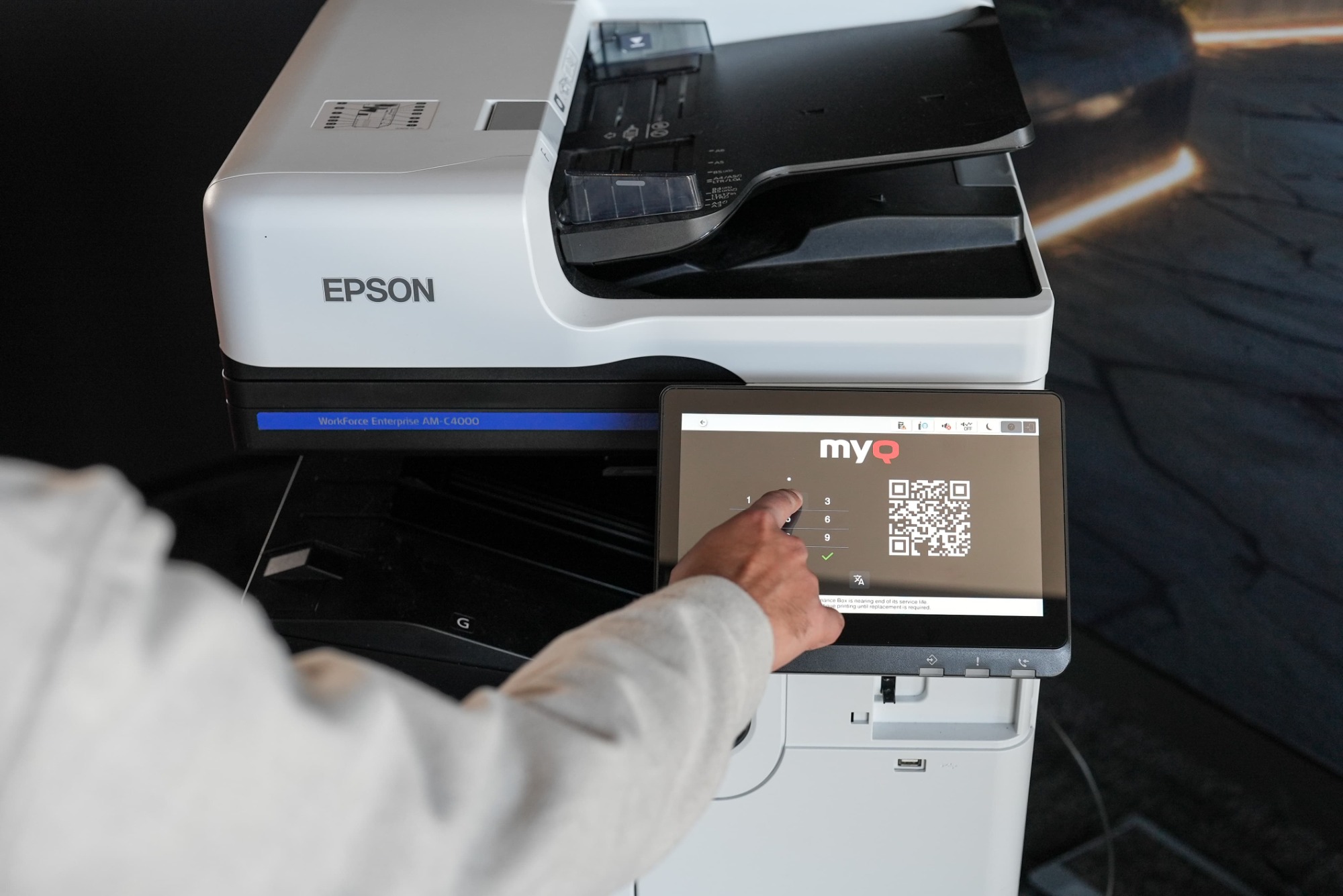
    Safety comes first for your print jobs as well. You can secure the Epson multifunction printers with two-factor authentication. You can log in to the device with a QR code using the MyQ X Mobile Client or a two-factor combination of an ID card, PIN code or username and password. MyQ’s pull-printing ensures the safe retrieval of the printed files after login. You can further secure scanned files with features like watermarks or digital signatures.

  • Reach the printer from anywhere

    Reach the printer from anywhere

    Hybrid workplace

    Long gone are the days of office-only working. MyQ X lets you print, regardless of your hybrid workplace location. At remote locations, you can take advantage of the MyQ Desktop Client which provides functionality similar to that of a print server, such as job management, local device monitoring, fallback printing etc. Plus, you can use MyQ’s seamless integration with Microsoft’s Universal Print Service to print on the move virtually from anywhere if you have an internet connection. This way, you send your files to a queue and safely retrieve them at the Epson printer in the office.

Admin's corner

  • Get MyQ X in a flash

    Get MyQ X in a flash

    Quick installation

    Deploy MyQ X’s embedded solution on the Epson EOP devices in a breeze. You can perform the entire process remotely through the MyQ X Admin Dashboard. With automated device discovery, MyQ scans your company’s network for Epson printers, adds them to the system and helps you set up the corresponding Epson printer drivers, easy as that and you are done.

  • Control fleet from anywhere

    Control fleet from anywhere

    Remote fleet management & monitoring

    Never lose track of the state of your devices with the MyQ X Admin dashboard. From there, you can control and set up the entire printer fleet remotely from one location. You can create specific user policies for various users or groups and much more. MyQ X also helps you monitor the state your devices are in. If there is an issue, you will be the first one to know. With pre-configured event actions you will be able to proactively predict print device related issues and keep IT tickets to a minimum.

  • Boost work productivity

    Boost work productivity

    Personalized workflows

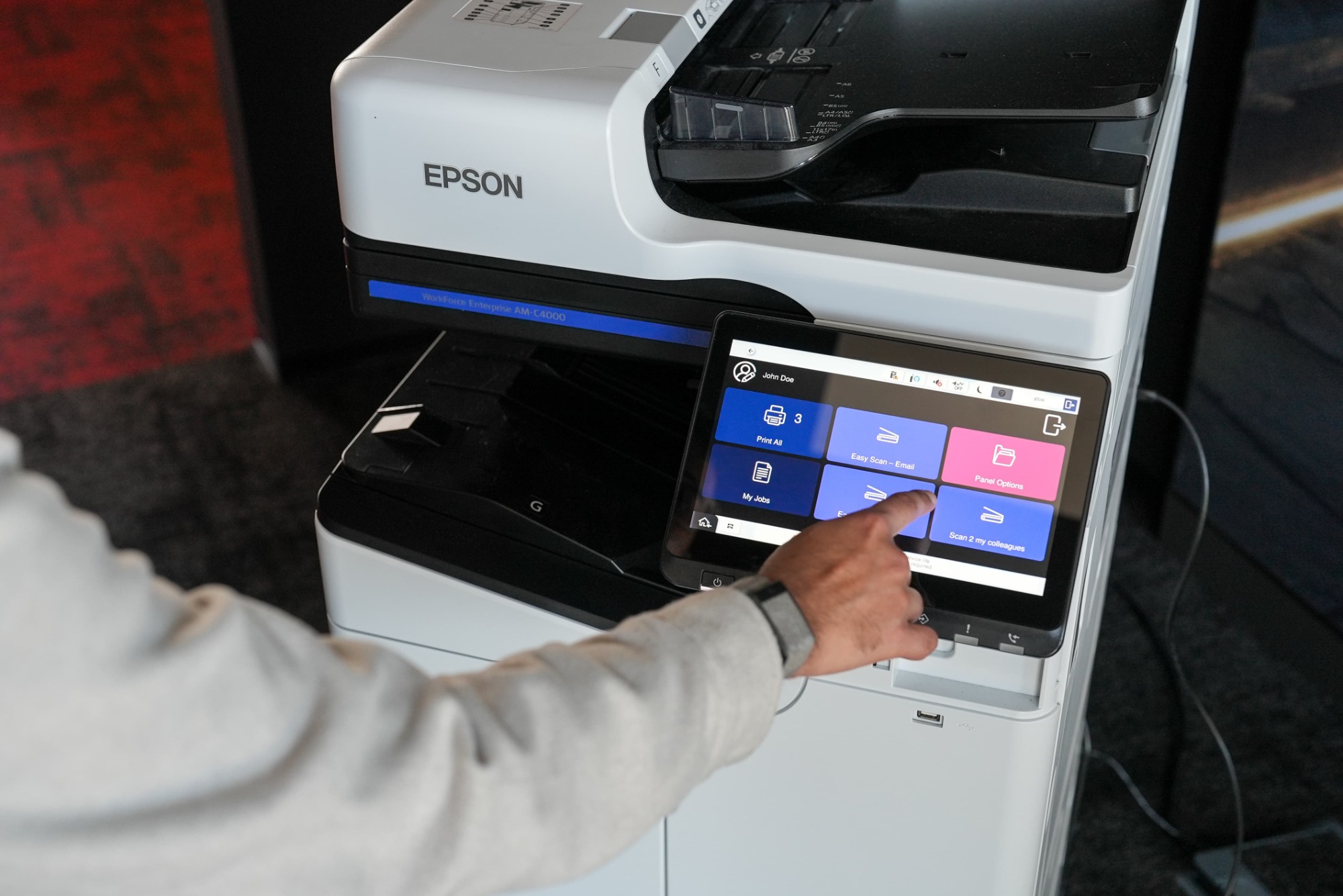
    Every team has a different work agenda as well as different printing needs. The front desk might only require simple, straightforward printing, while HR could appreciate advanced scanning workflows to different (cloud) destinations. MyQ X gives you a broad range of print, copy or scan workflow personalization options that you can set up for different users/user groups. In this way, users will be efficient with their document processing, as they will only find the workflows, they truly need on the Epson printer panel.

  • Have printing costs under control

    Have printing costs under control

    Advanced accounting & reporting

    MyQ X keeps track of every page that users process, and it accurately accounts for it. With MyQ’s detailed accounting you will always be able to keep an eye on your organization’s print volumes and spendings. Additionally, you can set up project, group, or even Cost Center accounting modes for users – when processing documents, the user selects where it should be accounted. You can also implement MyQ’s Credit or Quota functionality to promote responsible behavior and recover costs, respectively. MyQ X provides you with detailed reports of the overall print activity, where you can easily evaluate your print costs. Our print solution is also compatible with various BI tools, so you can use them for customized reporting.

  • You make the print rules

    You make the print rules

    User policies

    In the MyQ X Admin Dashboard, you can seamlessly create print policies that follow your organization’s rules. These policies can be applied on a user, group or even on device level (e.g. the accounting department). Typically, you can set specific print settings such as default two-sided/duplex printing, default color printing to mono and much more. In this way, you can encourage responsible print behavior and significantly reduce print waste.

See MyQ X on Epson

Embedded terminal functionalities

Epson MyQ X 10.2

Deployment & Administration

Automated Printer Discovery and Remote Installation

Yes

Device Status Monitoring

Yes

Authentication

ID Card / Username & Password / PIN with Two-Factor

Yes

QR Code Login with MyQ X Mobile Client

Yes

Guest Login

Yes

ID Card Registration

Yes

Unknown Card Registration

Yes

Accounting

Print Accounting

Yes

Offline Accounting

No

Per Job Accounting

Yes

Panel (Scan, Copy, Print) Accounting

Yes

Accounting of USB Devices (MyQ Desktop Client)

Yes

Projects

Yes

Cost Centers

Yes

Credit (Pre-paid & Top-up)

Yes

Quota

Yes

Printing

Print All after Login

Yes

Job Select / Delete / Favorite / History

Yes

Adjustable Print Options on the Device

Yes

Job Preview

Yes

USB Drive Print and Scan

Yes

Discard Jobs After Logout

No

Client Spooling (MyQ Desktop Client)

Yes

Job Submission

Easy Print (Driverless Print from Cloud or Network Drives)

Yes

Folder Browsing

Yes

Email / Web Upload / Hot Folder

Yes

AirPrint / Mopria / Mobile Client

Yes

Universal Print by Microsoft

Yes

RAW / LPR / IPP(S)

Yes

Finishing Options

Staple & Punch

No

Adjustable Staple & Punch on the Device

No

Copying

Easy Copy incl. Adjustable Copy Options

No

Easy Copy of ID cards

No

Skip Blank Pages

No

Scanning

Device Scan to Me (Email, Folder)

Yes

Easy Scan incl. Adjustable Scan Options

Yes

Scan to Email / Folder / FTP / Secure Link

Yes

Scan to Cloud (inl. OneDrive for Business, SharePoint Online)

Yes

Folder Browsing

Yes

Advanced Scanning incl. Custom Parameters, Codebooks, and Metadata

Yes

OCR (PDF, TXT, other)

Yes

Skip Blank Pages

Yes

Advanced Workflows & Document Processing

No

Personalization

Easy Actions (Print, Scan, Copy, Fax)

Yes

Favorite Actions (from supported Terminal Actions)

Yes

Web UI WCAG 2.1 Level AA

Yes

Multi Language Support

Yes

Embedded Themes & Custom Logo, Icons

Yes

Extra Features

Guest Scan, Copy, Fax

Yes

Print, Scan, Fax and Copy Archiving

Yes

Offline Login

No

Device Spooling

No

As we are constantly improving our solutions, please contact your MyQ Certified Partner or Account Manager for the latest information about version capability. Alternatively, please check Epson functionalities list.

Epson documentation

For the latest information on new releases and descriptions of new features, please visit Epson documentation page.

Epson devices

Please log in to the MyQ Community Portal to see all the Epson devices supported by MyQ X.