


SHARP MULTIFUNCTION PRINTERS & MYQ X 

Print management sized for you

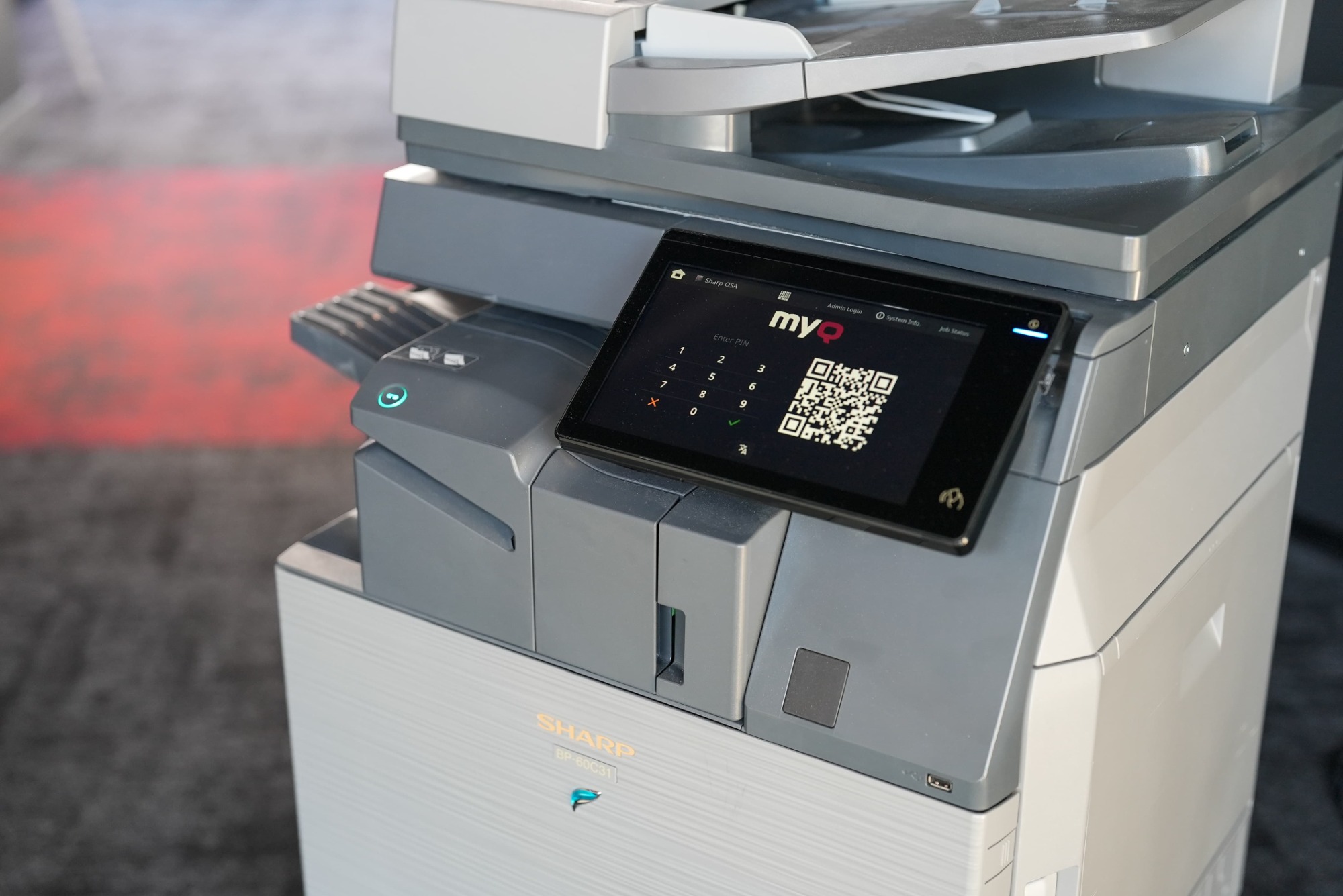
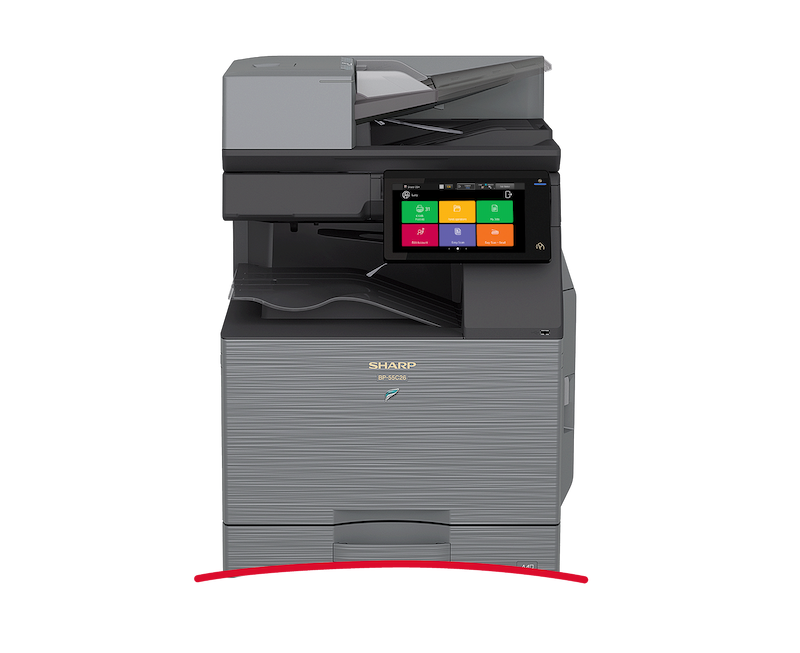
MyQ X is ready for deployment on the latest Sharp multifunction printers. Our print management solution with its customizable embedded terminal and simple admin controls enhances the Sharp emphasis on providing a sustainable, cost-effective, and secure printing experience for the entire product lifecycle. Whether you're working next to the office's MFP or at a remote or hybrid location, MyQ X is here to help you with your document management requirements.
SHARP MULTIFUNCTION PRINTERS & MYQ X 

Features digest

  • Sustainable paper and energy use  

    Sustainable paper and energy use  

    Green printing

    Sharp takes a comprehensive approach to sustainability that starts with their green manufacturing processes and continues to build devices with reduced toner consumption and lower electricity use during their daily operation. MyQ X supports these goals with its own collection of tools to assist in your more eco-friendly printing and scanning. Thanks to our environmental reports, paper/toner saving user policies, and remote printing capabilities, you can make a clear step forward in achieving your green goals. 

  • Protect your print data 

    Protect your print data 

    Secure printing 

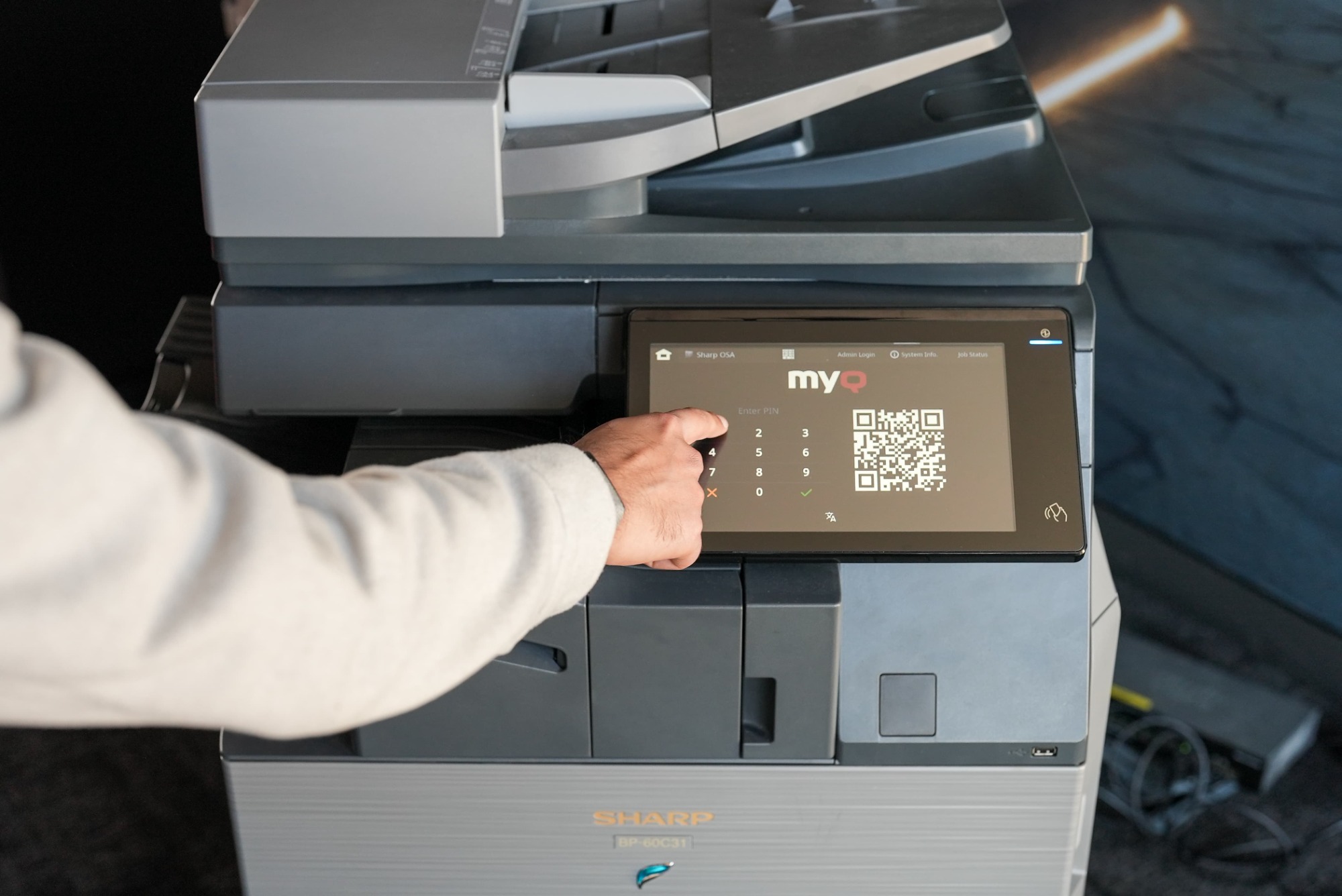
    Data is secure with MyQ X from the moment you press print all the way to collecting printouts at your Sharp MFP. Our print solution encrypts the entire user-printer communication as well as the system database. With Pull Print, you collect your documents only after completing multifactor authentication which can include an ID card, PIN code, or username and password. In addition, you can also set up a touchless QR login as a default option and scan it with the MyQ X Mobile Client. MyQ X also has an array of options to protect your jobs with watermarks and time stamps. 

  • Automated digitization 

    Automated digitization 

    Smart workflows 

    Manually entering data from paper documents, such as invoices and production lists, into your internal systems is time-consuming and prone to errors. MyQ X can automate this digitization with its advanced Character Recognition and Smart Workflows. You only need to scan the given document. Once captured, the system extracts specific information from it - including checkboxes, bar codes, or stamps. Based on this data, MyQ X identifies the document type and saves it to a predefined destination such as your accounting ECM system. This automation takes away the need for manual retyping and automates your digitization. 

  • Stay efficient and productive

    Stay efficient and productive

    Easy Scan & Easy Copy 

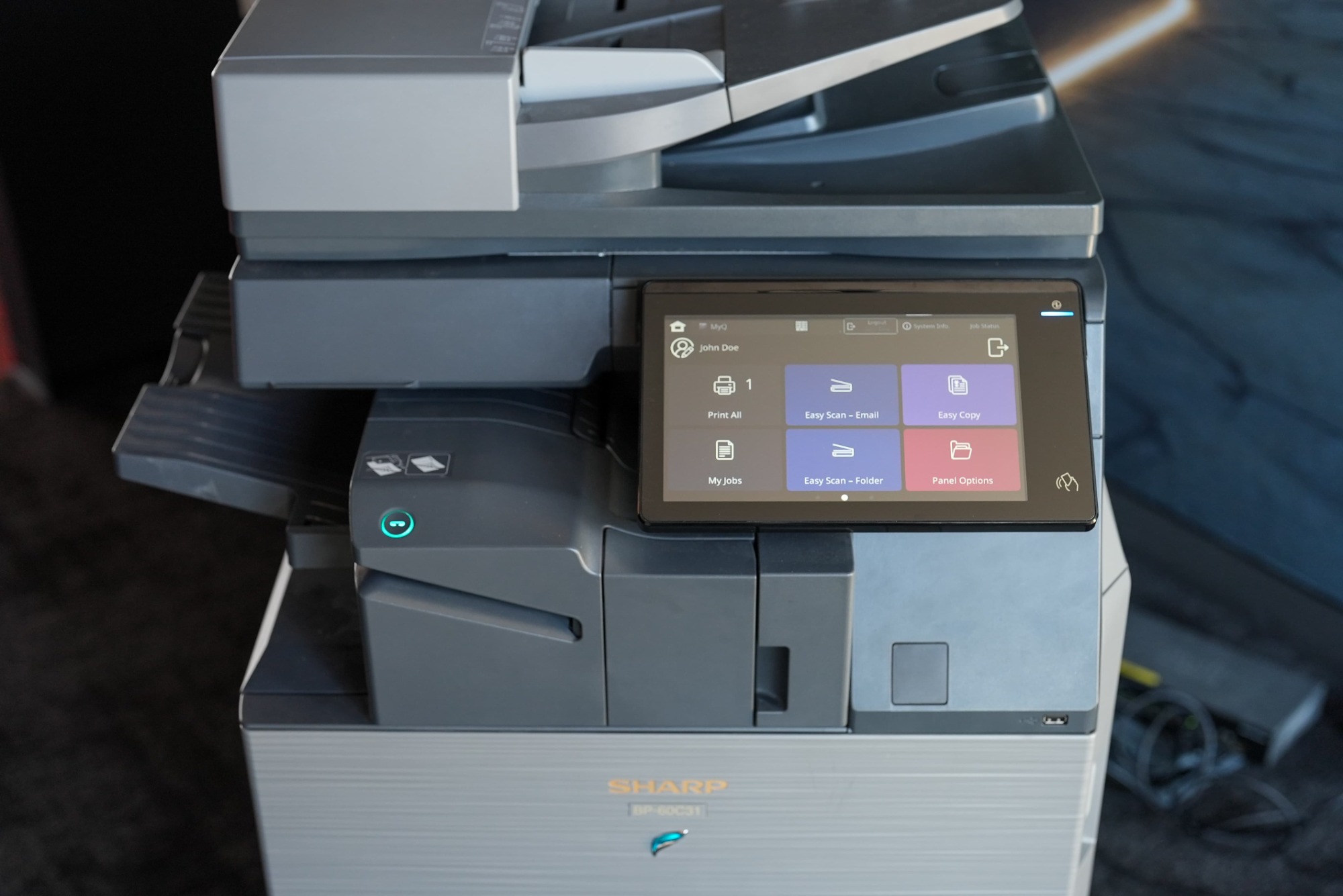
    Customize your Sharp printer panel to match your specific document workflow requirements, whether you work in a security-conscious finance industry or a user-intensive education field. Your administrator can predefine a set of copy/scan actions that will be displayed on the MyQ X Embedded Terminal after logging in, tailored to your needs. For instance, if you frequently scan documents to a particular cloud folder, you can have this option on the panel and save time by pressing just one button instead of re-entering the same conditions for each scan at the printer.

  • Handle your docs on the go  

    Handle your docs on the go  

    Hybrid workplace

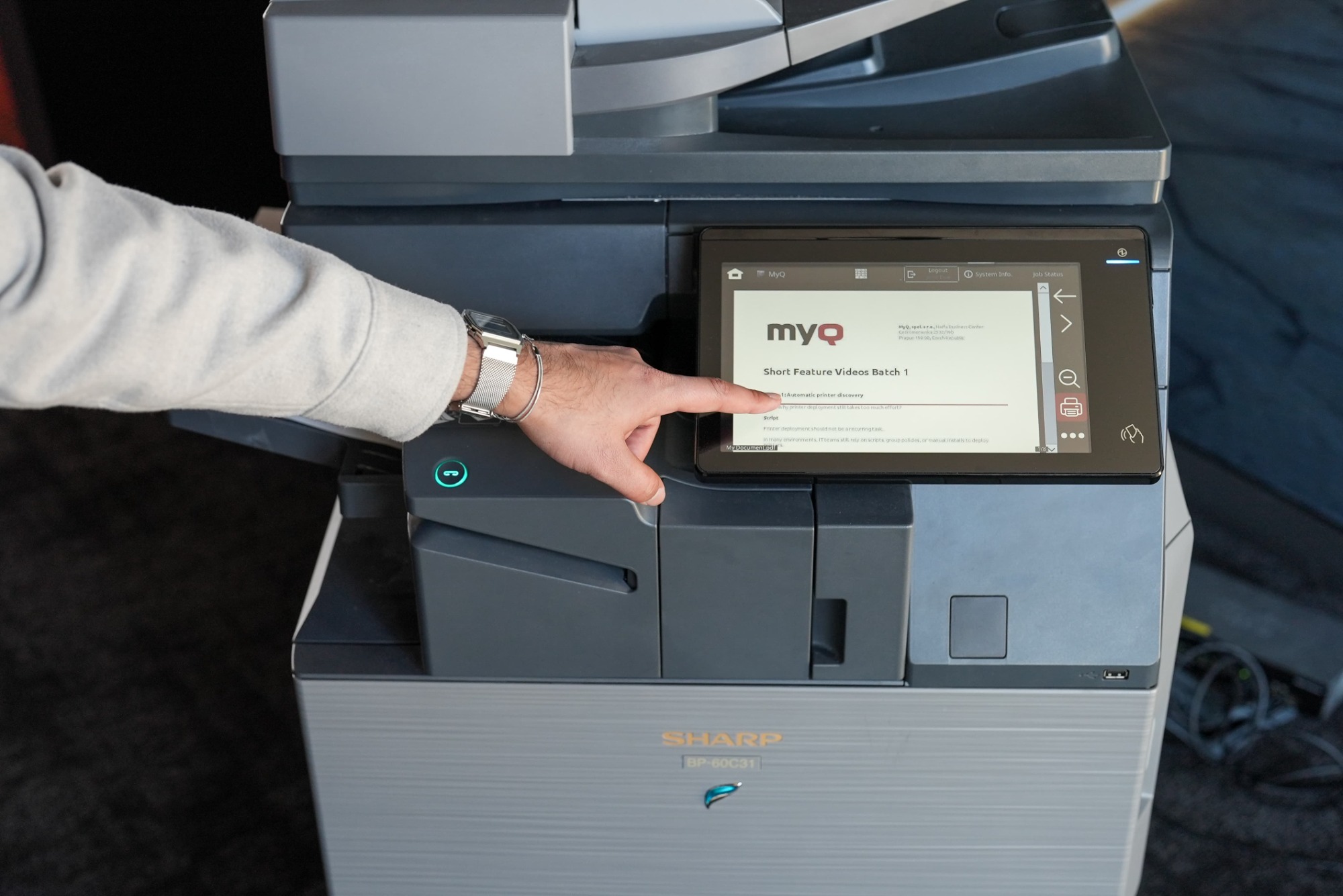
    Your workplaces – and document needs – are much bigger than just a single location, and we designed MyQ X to give you a high level of print flexibility. Scan your documents to one of the many supported cloud storages, queue up docs, and flexibly print them on the go from your device with the MyQ X Mobile Client. You can print documents securely from remote locations via Microsoft Universal Print or take advantage of the MyQ Desktop Client for offsite print monitoring or accounting. 

Admin's corner

  • Get MyQ X in a flash 

    Get MyQ X in a flash 

    Quick installation

    Installing MyQ X on your Sharp multifunctional printers only takes minutes. The print solution automatically finds connected devices in your network, activates and configures them, and installs the MyQ X Embedded Terminal all on its own. You won't need to manually visit or configure your Sharp printers through their web interface. In addition, you can control the entire installation process from one central location via the MyQ X Admin Dashboard. 

  • Navigate your fleet with ease 

    Navigate your fleet with ease 

    Printer management & monitoring 

    Managing a fleet of printers is simpler when you can always see the status of each local printer. No more surprises or stacks of IT tickets. The MyQ Admin Dashboard provides a stress-free overview of every network printer – even those in remote locations. Automatic notifications lets you know about printer issues (device errors, missing consumables, etc.), which can be solved immediately. The admin dashboard also allows you to manage a wide range of settings – all within a user-friendly and intuitive interface. With this centralized approach, you can reduce the time spent managing your printer fleet to a minimum. 

  • Set up productive processes 

    Set up productive processes 

    Scan workflows

    Define personalized document workflows that meet the needs of specific users or groups. These enable your colleagues to easily find those needed functions on their Sharp printer panel. For example, if the CEO's assistant often scans important documents, then create a one-click scanning workflow that sends each new scan directly to his folder. Or, set up a straightforward copy button to make life easier for HR. Reduce the time your team spends in front of the MFP and help them stay on track and productive. 

  • Manage users' print behavior 

    Manage users' print behavior 

    Printing policy 

    Support your company's spending and environmental objectives with a set of printing policies. These direct users to use your Sharp printers in a more cost-effective and environmental way. To reduce paper waste and stop users from leaving prints in the paper tray, set up mandatory two-sided printing and pull printing. You can also save toner by turning on default black and white printing (with exceptions, e.g. for management) or activating the toner saving mode. 

  • Control print spendings 

    Control print spendings 

    Advanced accounting & reporting 

    MyQ X keeps track of every page that gets processed with your Sharp multifunction printer. Your organization's print costs will no longer be a mystery, but a precisely calculated figure. To help you manage print spending across the company, MyQ X allows for Cost Center accounting. Every time users print, they simply select a specific cost center for the print job. Then, after a set period, you can generate a print report with a detailed overview of spending by center. Our print management solution is highly compatible with many BI tools, so reports can be adjusted to your concrete needs. 

See MyQ X on Sharp

Embedded terminal functionalities

Sharp MyQ X 10.2

Deployment & Administration

Automated Printer Discovery and Remote Installation

Yes

Device Status Monitoring

Yes

Authentication

ID Card / Username & Password / PIN with Two-Factor

Yes

QR Code Login with MyQ X Mobile Client

Yes

Guest Login

Yes

ID Card Registration

Yes

Unknown Card Registration

Yes

Accounting

Print Accounting

Yes

Offline Accounting

No

Per Job Accounting

Yes

Panel (Scan, Copy, Print) Accounting

Yes

Accounting of USB Devices (MyQ Desktop Client)

Yes

Projects

Yes

Cost Centers

Yes

Credit (Pre-paid & Top-up)

Yes

Quota

Yes

Printing

Print All after Login

Yes

Job Select / Delete / Favorite / History

Yes

Adjustable Print Options on the Device

Yes

Job Preview

Yes

USB Drive Print and Scan

No

Discard Jobs After Logout

No

Client Spooling (MyQ Desktop Client)

Yes

Job Submission

Easy Print (Driverless Print from Cloud or Network Drives)

Yes

Folder Browsing

Yes

Email / Web Upload / Hot Folder

Yes

AirPrint / Mopria / Mobile Client

Yes

Universal Print by Microsoft

Yes

RAW / LPR / IPP(S)

Yes

Finishing Options

Staple & Punch

No

Adjustable Staple & Punch on the Device

No

Copying

Easy Copy incl. Adjustable Copy Options

Yes

Easy Copy of ID cards

Yes

Skip Blank Pages

No

Scanning

Device Scan to Me (Email, Folder)

Yes

Easy Scan incl. Adjustable Scan Options

Yes

Scan to Email / Folder / FTP / Secure Link

Yes

Scan to Cloud (inl. OneDrive for Business, SharePoint Online)

Yes

Folder Browsing

Yes

Advanced Scanning incl. Custom Parameters, Codebooks, and Metadata

Yes

OCR (PDF, TXT, other)

Yes

Skip Blank Pages

Yes

Advanced Workflows & Document Processing

No

Personalization

Easy Actions (Print, Scan, Copy, Fax)

Yes

Favorite Actions (from supported Terminal Actions)

Yes

Web UI WCAG 2.1 Level AA

Yes

Multi Language Support

Yes

Embedded Themes & Custom Logo, Icons

Yes

Extra Features

Guest Scan, Copy, Fax

No

Print, Scan, Fax and Copy Archiving

Yes

Offline Login

No

Device Spooling

No

As we are constantly improving our solutions, please contact your MyQ Certified Partner or Account Manager for the latest information about version capability. Alternatively, please check Sharp functionalities list.

Sharp documentation

For the latest information on new releases and descriptions of new features, please visit Sharp documentation page.

Sharp devices

Please log in to the MyQ Community Portal to see all the Sharp devices supported by MyQ X.