




Lexmark Multifunction Printers & MyQ X
Secure and easy printing for modern workplaces
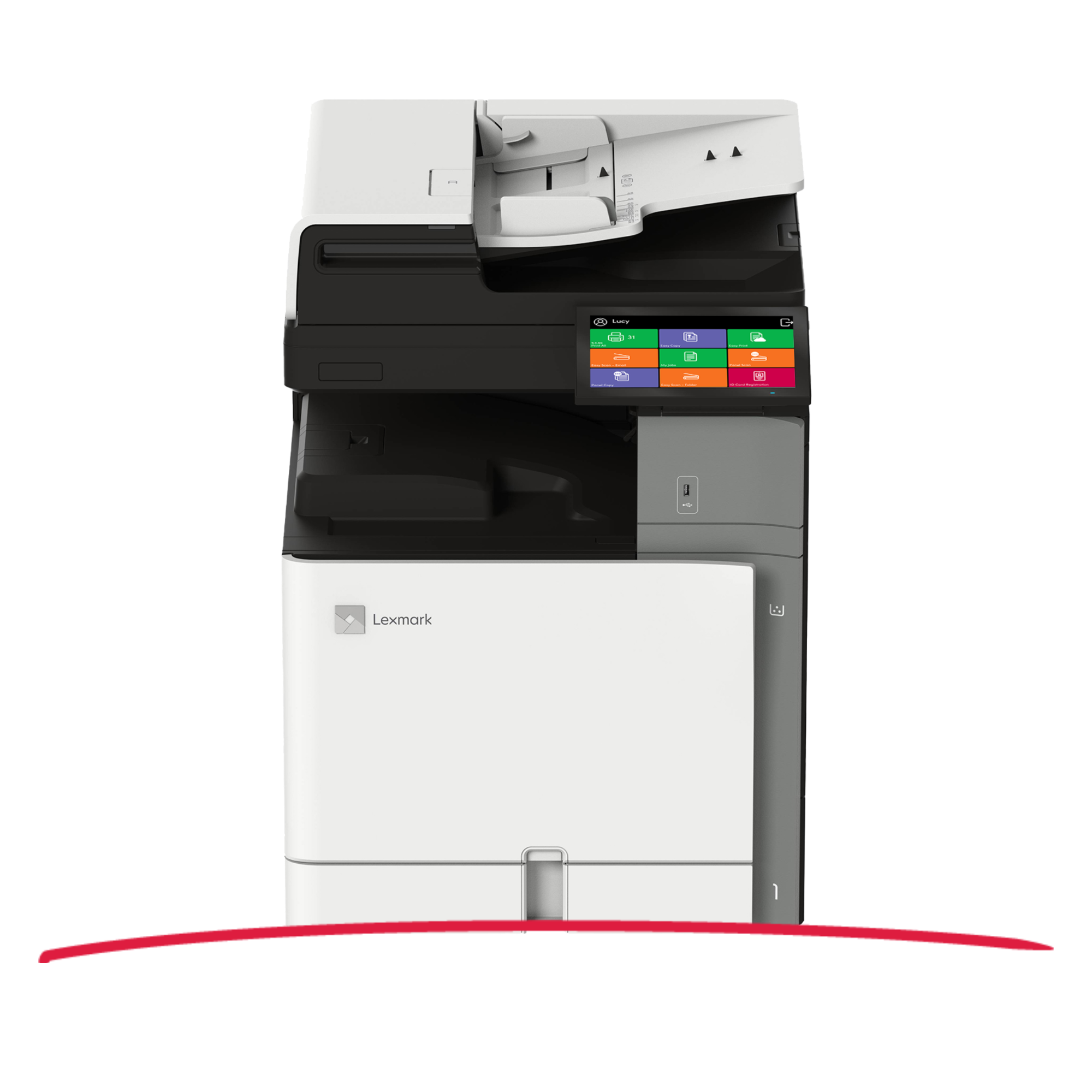
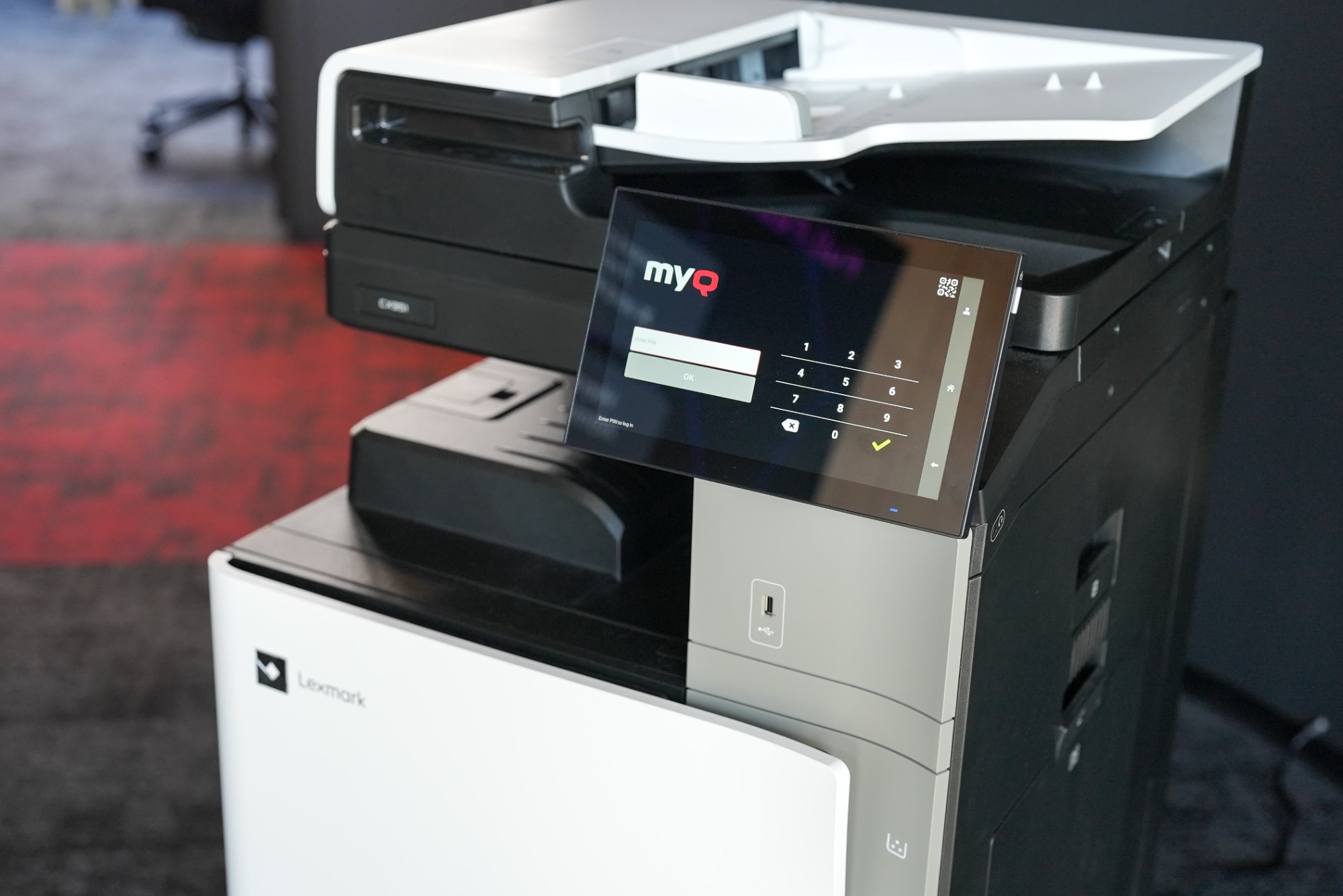
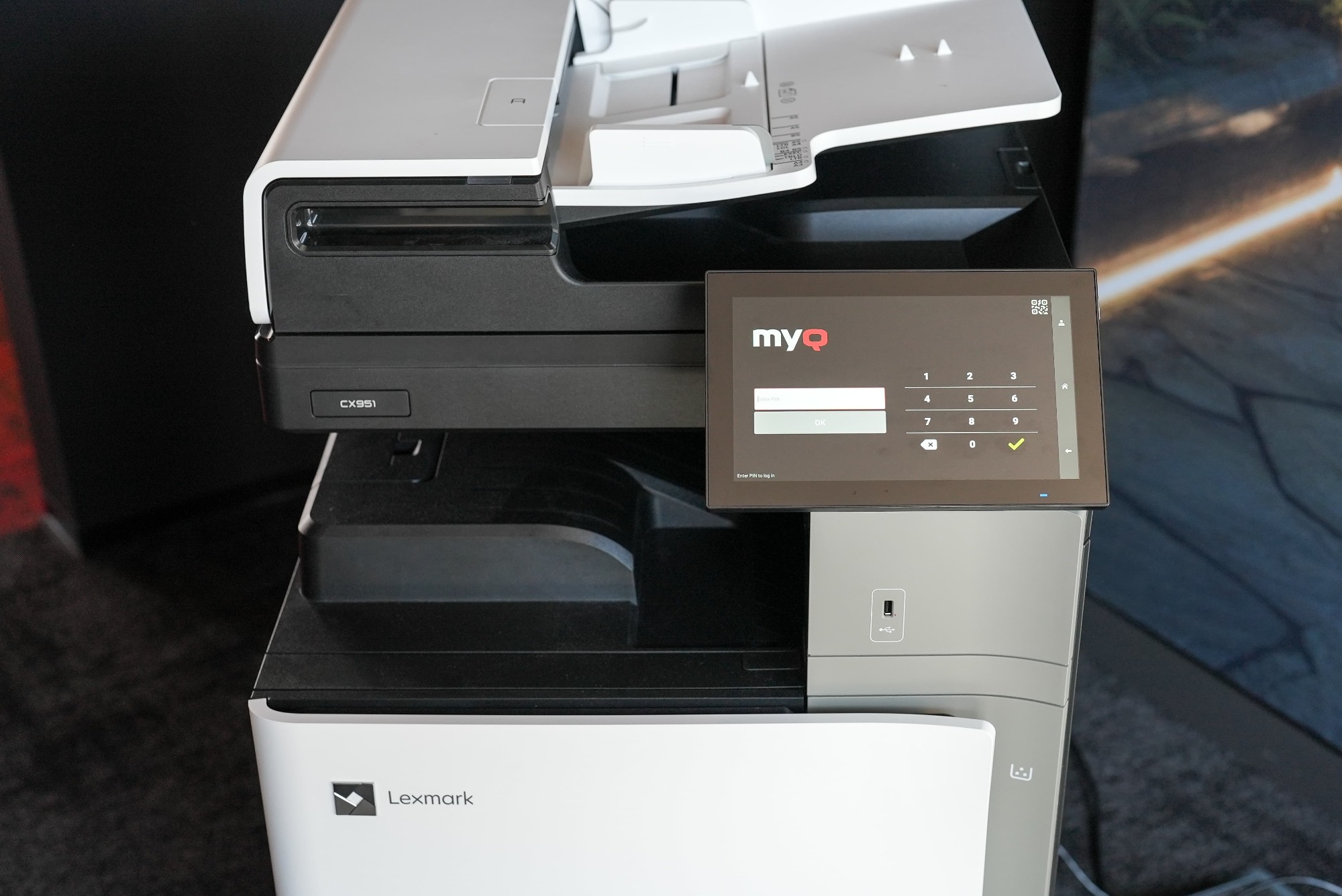
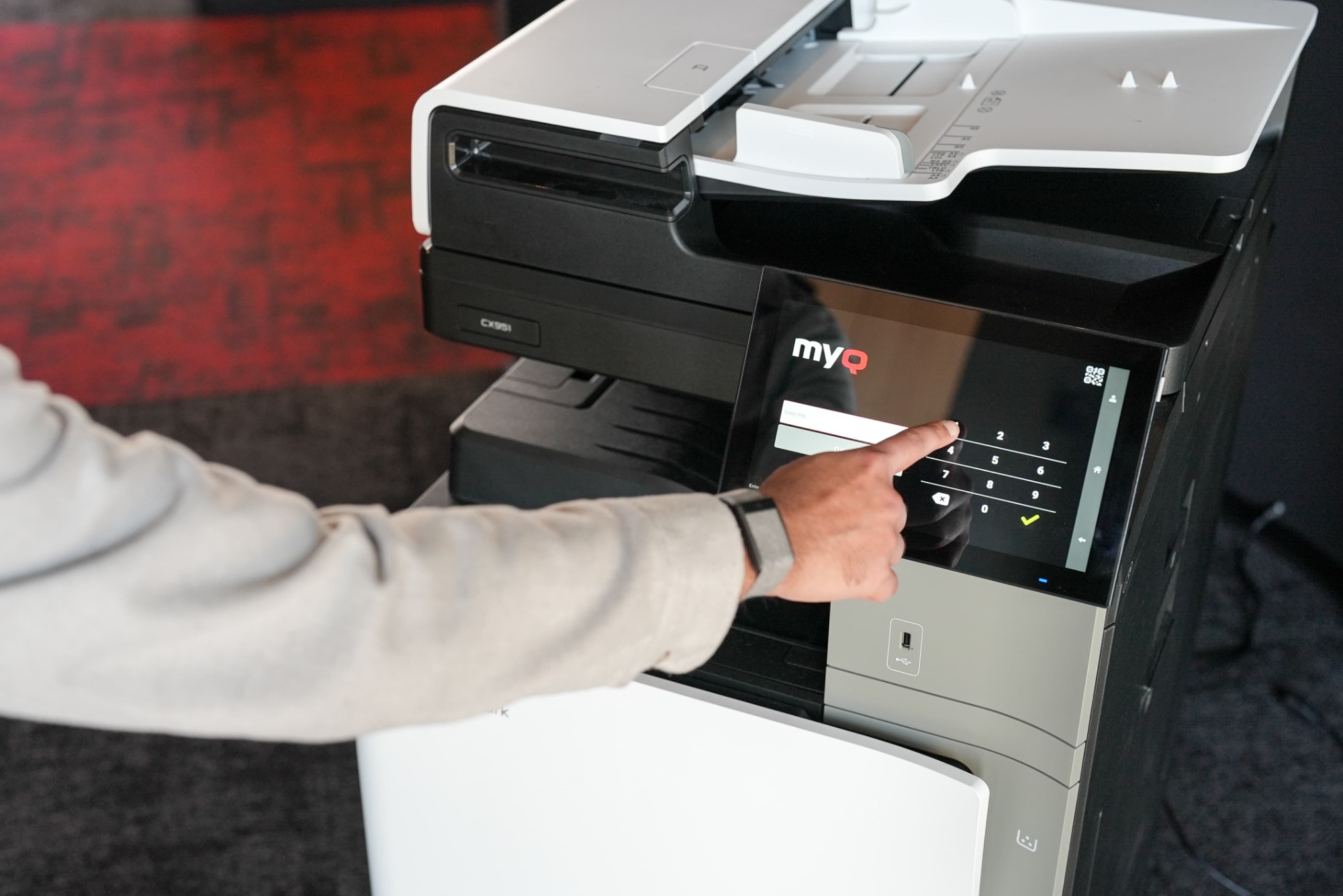
MyQ X provides a secure and user-friendly printing experience for Lexmark multifunction printers, boasting a range of features including job accounting, secure authentication, pull printing, and touchless mobile print release. By combining MyQ X with Lexmark MFPs, organizations can enjoy a seamless and efficient printing solution that is perfectly suited to modern office environments.


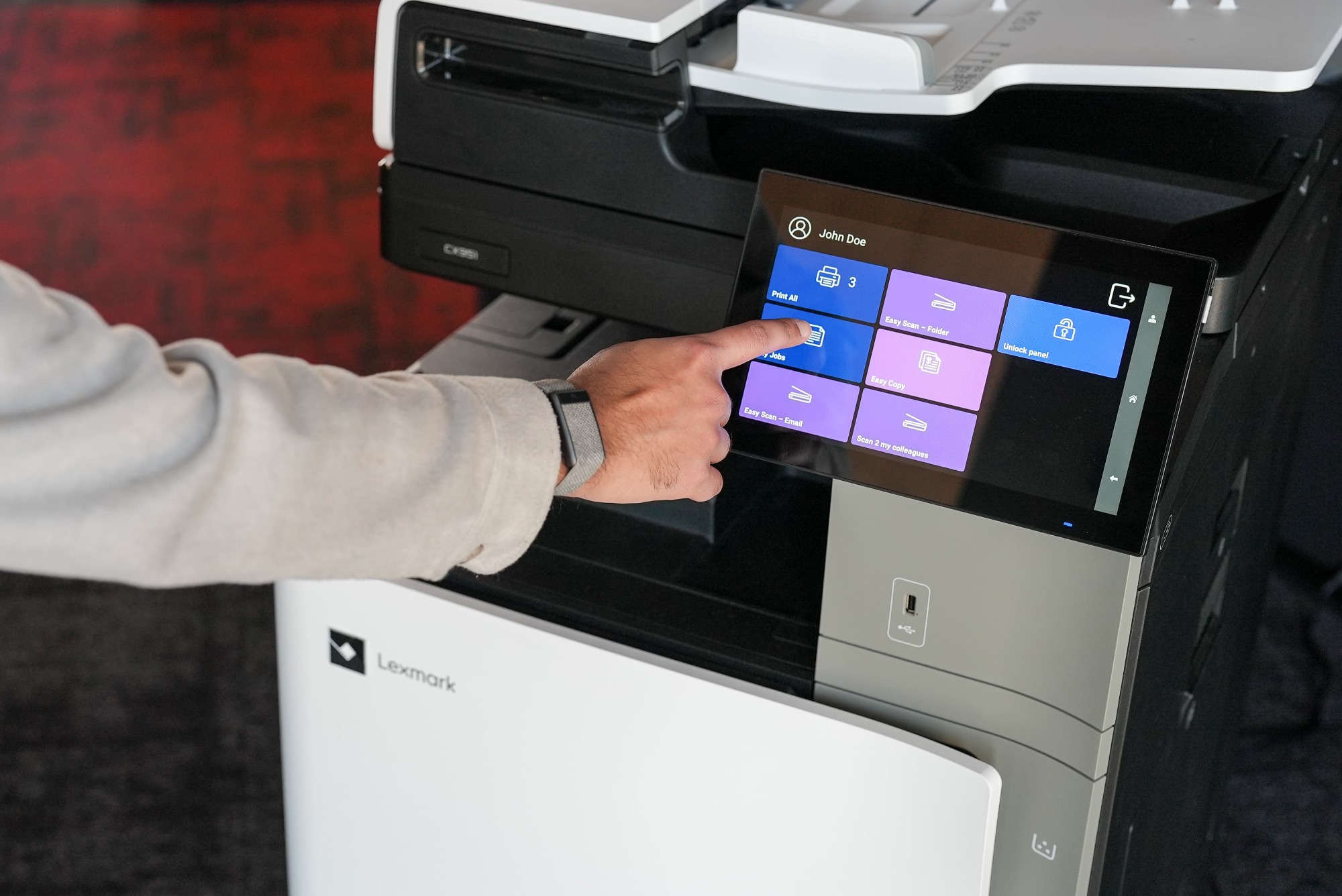
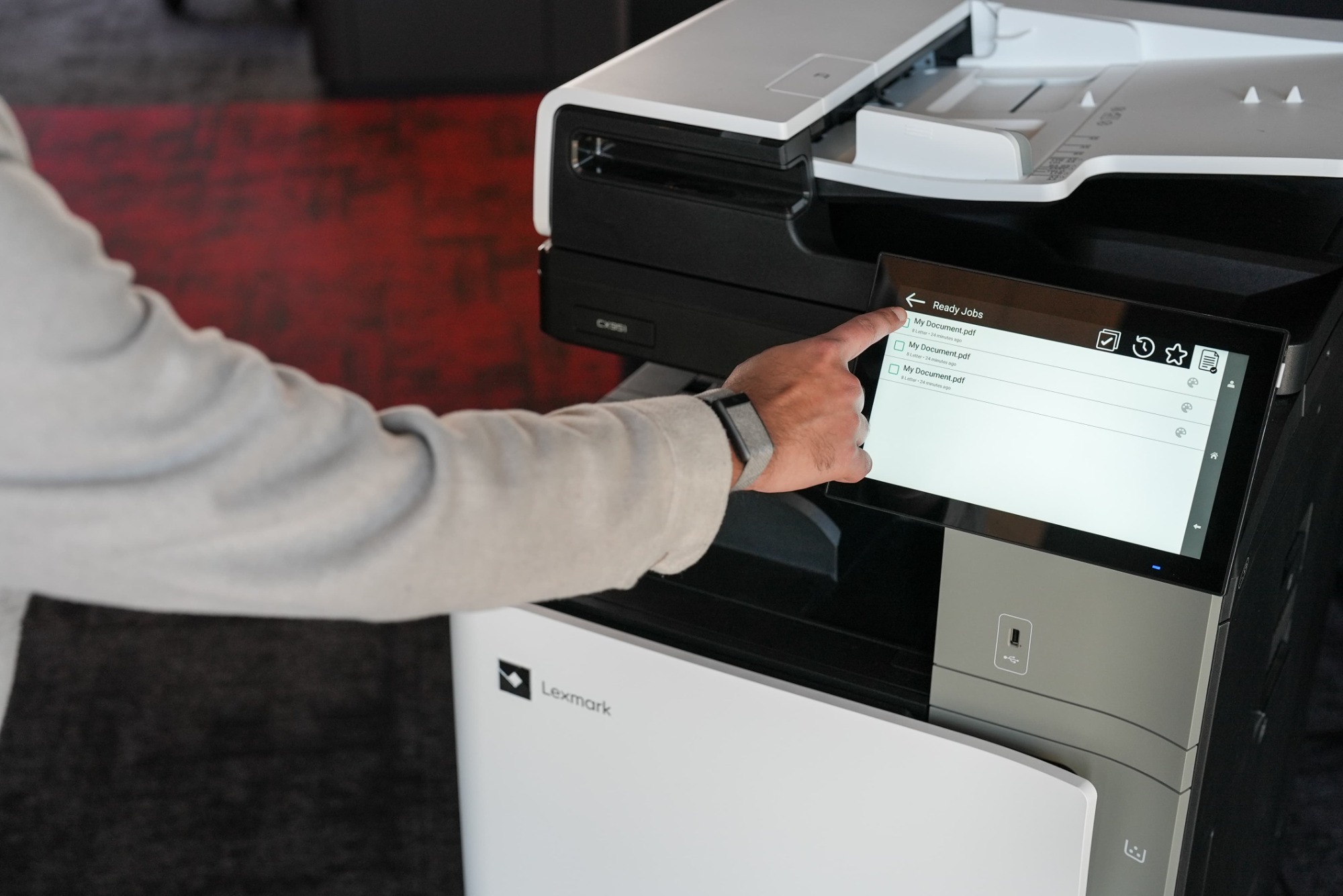
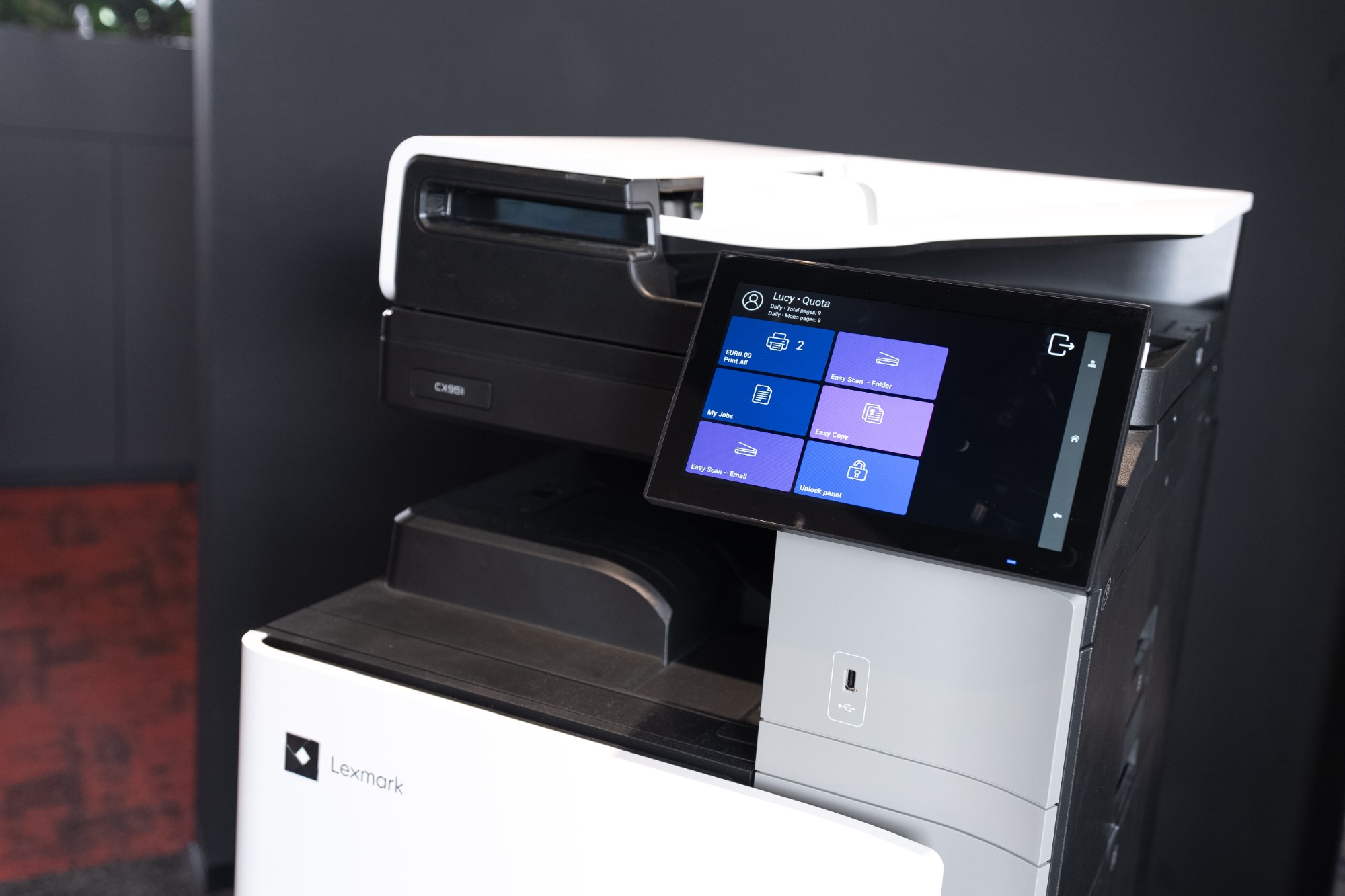
Embedded terminal functionalities
Lexmark MyQ X 10.1
Deployment & Administration
Automated Printer Discovery and Remote Installation
Yes
Device Status Monitoring
Yes
Authentication
ID Card / Username & Password / PIN with Two-Factor
Yes
QR Code Login with MyQ X Mobile Client
Yes
Guest Login
No
ID Card Registration
Yes
Unknown Card Registration
No
Accounting
Print Accounting
Yes
Offline Accounting
No
Per Job Accounting
Yes
Panel (Scan, Copy, Print) Accounting
Yes
Accounting of USB Devices (MyQ Desktop Client)
Yes
Projects
Yes
Cost Centers
Yes
Credit (Pre-paid & Top-up)
Yes
Quota
Yes
Printing
Print All after Login
Yes
Job Select / Delete / Favorite / History
Yes
Adjustable Print Options on the Device
Yes
Job Preview
Yes
USB Drive Print and Scan
Yes
Discard Jobs After Logout
Yes
Client Spooling (MyQ Desktop Client)
Yes
Job Submission
Easy Print (Driverless Print from Cloud or Network Drives)
Yes
Folder Browsing
Yes
Email / Web Upload / Hot Folder
Yes
AirPrint / Mopria / Mobile Client
Yes
Universal Print by Microsoft
Yes
RAW / LPR / IPP(S)
Yes
Finishing Options
Staple & Punch
No
Adjustable Staple & Punch on the Device
No
Copying
Easy Copy incl. Adjustable Copy Options
Yes
Easy Copy of ID cards
No
Skip Blank Pages
No
Scanning
Device Scan to Me (Email, Folder)
Yes
Easy Scan incl. Adjustable Scan Options
Yes
Scan to Email / Folder / FTP / Secure Link
Yes
Scan to Cloud (inl. OneDrive for Business, SharePoint Online)
Yes
Folder Browsing
Yes
Advanced Scanning incl. Custom Parameters, Codebooks, and Metadata
Yes
OCR (PDF, TXT, other)
Yes
Skip Blank Pages
Yes
Advanced Workflows & Document Processing
Yes
Personalization
Easy Actions (Print, Scan, Copy, Fax)
Yes
Favorite Actions (from supported Terminal Actions)
No
Web UI WCAG 2.1 Level AA
Yes
Multi Language Support
Yes
Embedded Themes & Custom Logo, Icons
Yes
Extra Features
Guest Scan, Copy, Fax
No
Print, Scan, Fax and Copy Archiving
No
Offline Login
No
Device Spooling
No
As we are constantly improving our solutions, please contact your MyQ Certified Partner or Account Manager for the latest information about version capability. Alternatively, please check Lexmark functionalities list.